Dr. Eric Y. Reznik× WhyNotGlobal
CMSE — a clinical assessment platform
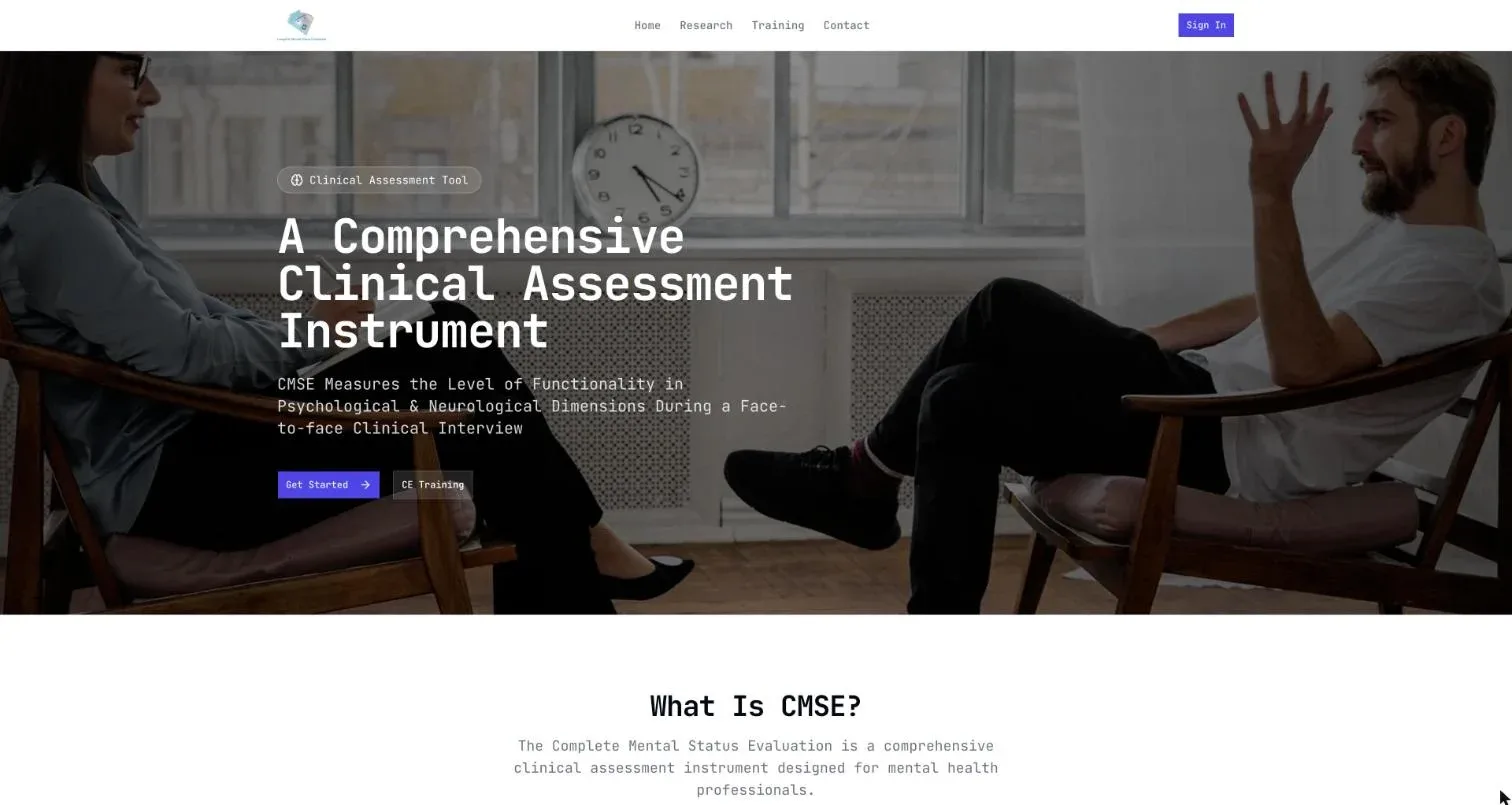
A multi-clinic platform for the Complete Mental Status Evaluation: clinicians run the 84-point exam in a guided wizard with built-in test aids, get automatic scoring and an AI-written clinical report, and run patients, schedules and billing in one place. Patients can take a private self-check and link it to their clinician.
- Client
- Dr. Eric Y. Reznik
- Year
- 2025
- Timeline
- 2024–25
- Stack
- Next.js, TypeScript, Firestore, Gemini via OpenRouter, Square, Zustand
- Our role
- Product design, full-stack development, AI integration
- Live
- cmse.ezvz.app
An 84-point clinical exam, scored by hand on paper.
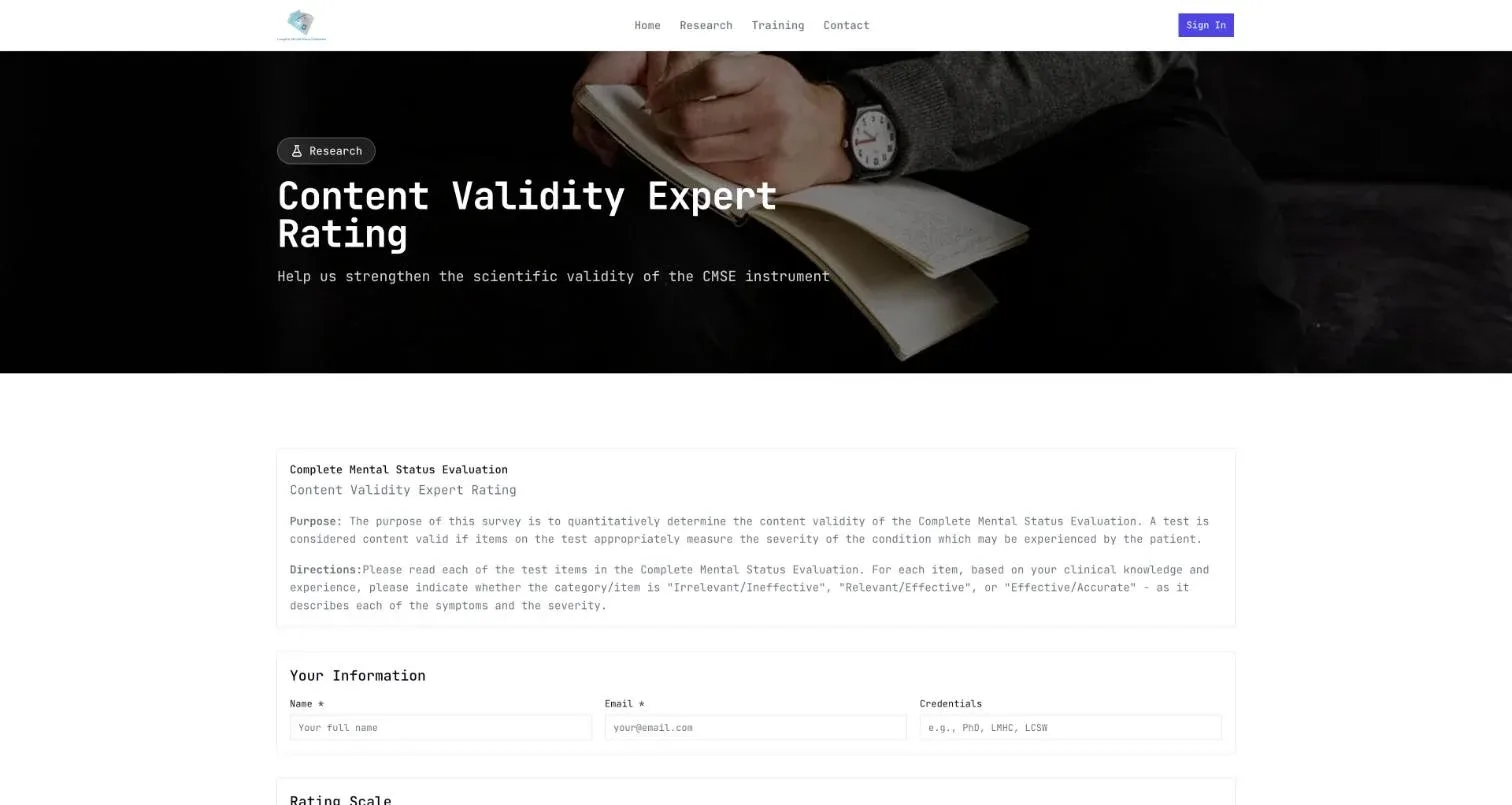
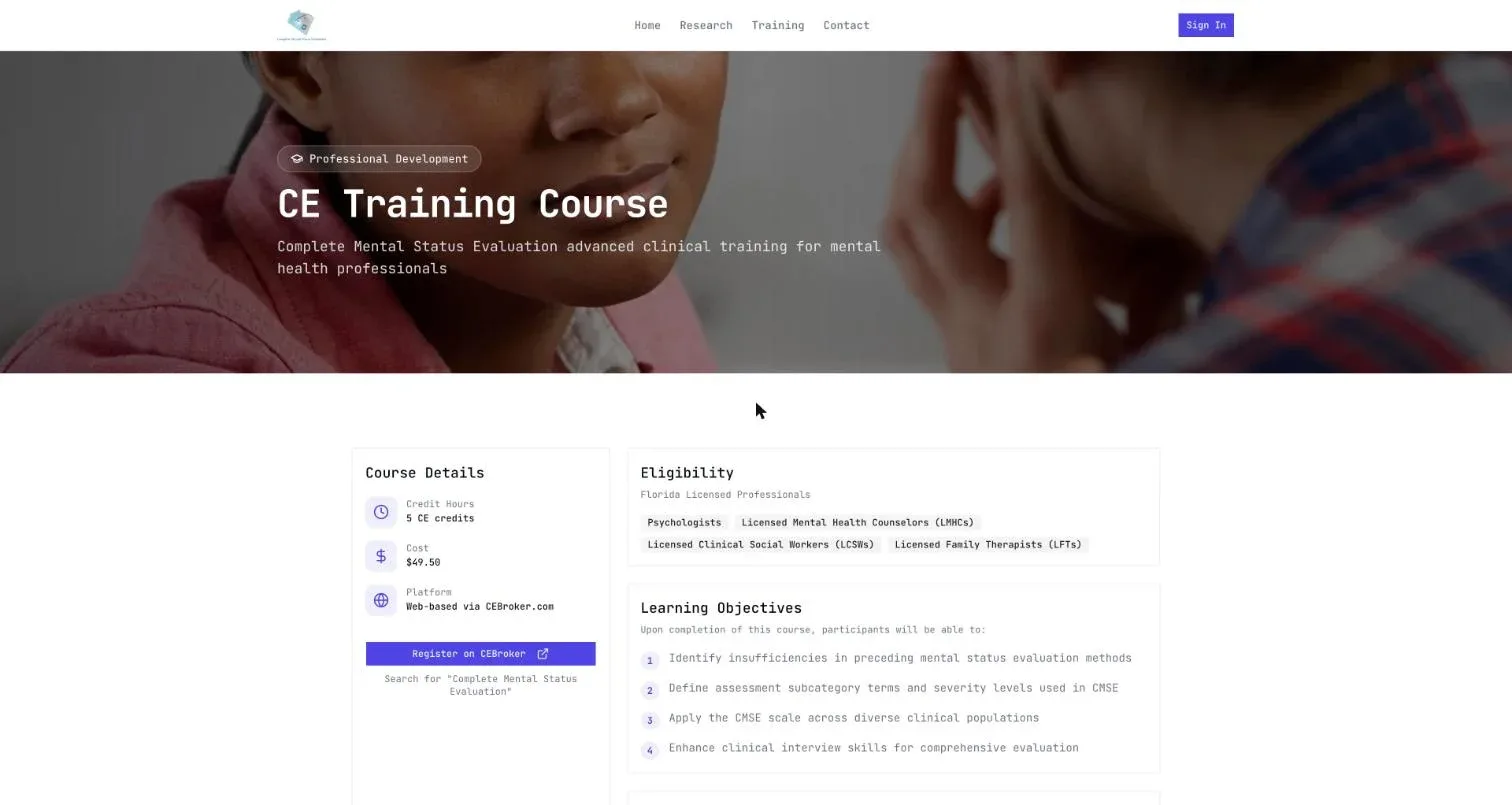
Clinicians worked through 28 questions in nine categories on paper, added up the score themselves and wrote every narrative report from scratch. Records lived clinic by clinic, and the instrument’s author also needed a way to validate it with experts and teach it.
From the first question to a signed-off report.
We built a multi-clinic workspace around the exam: a guided assessment wizard with test aids, automatic scoring, AI-written reports with PDF and DOCX export, patient records, scheduling and prepaid billing — plus a patient self-check that links back to the clinician.
The exam, step by step
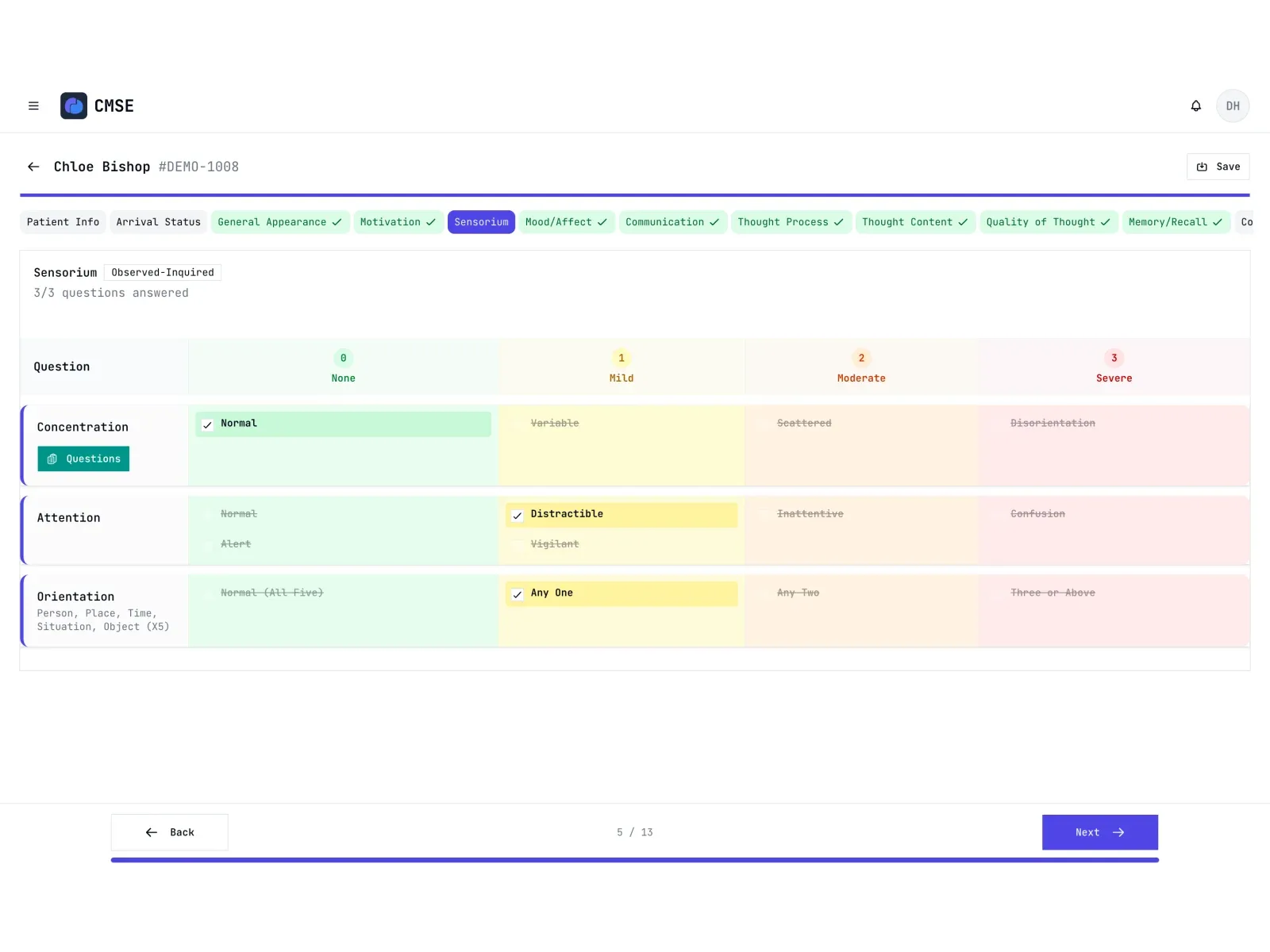
Thirteen steps, one category at a time
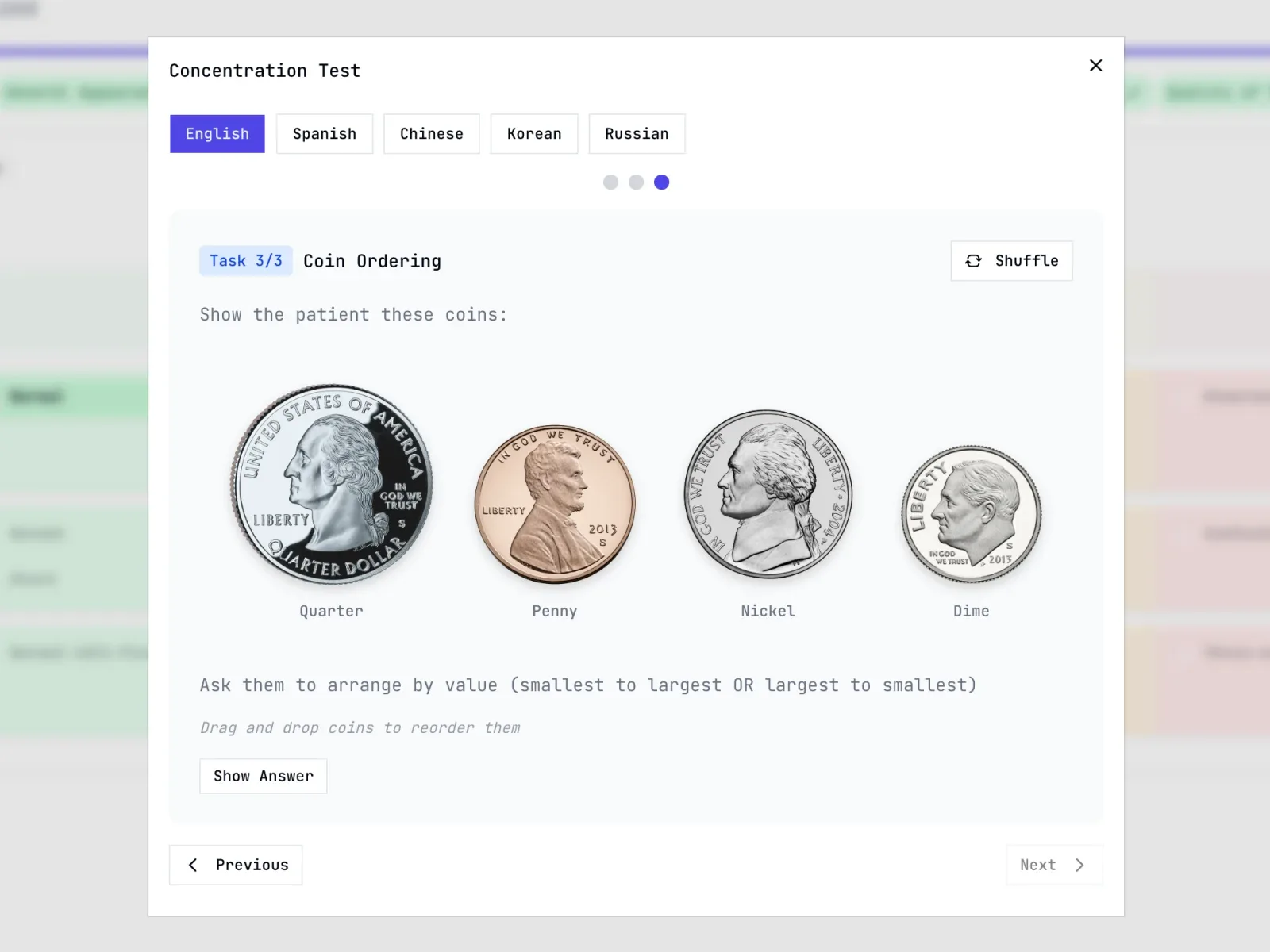
Bedside tests, built in
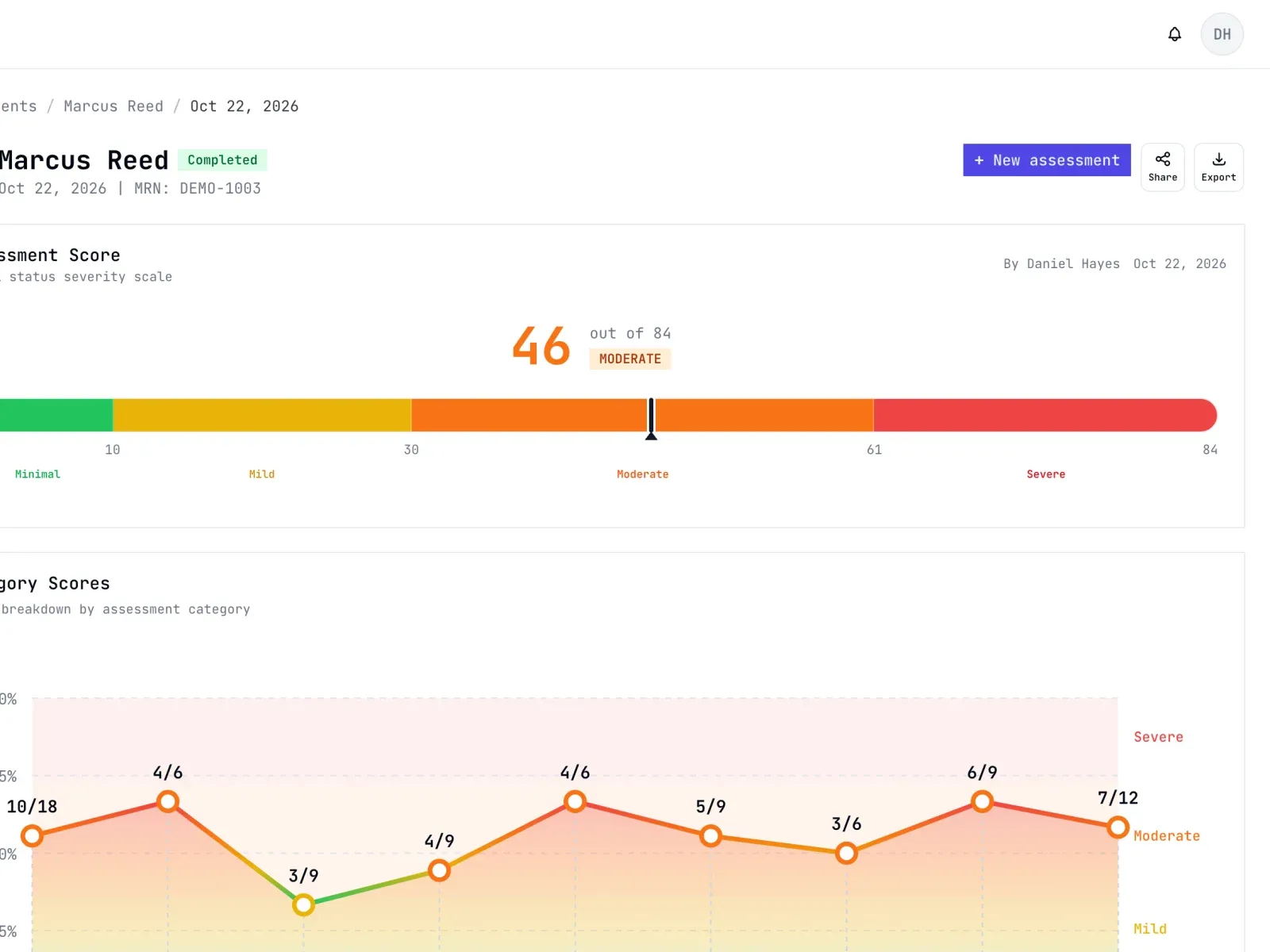
Scored the moment it’s submitted
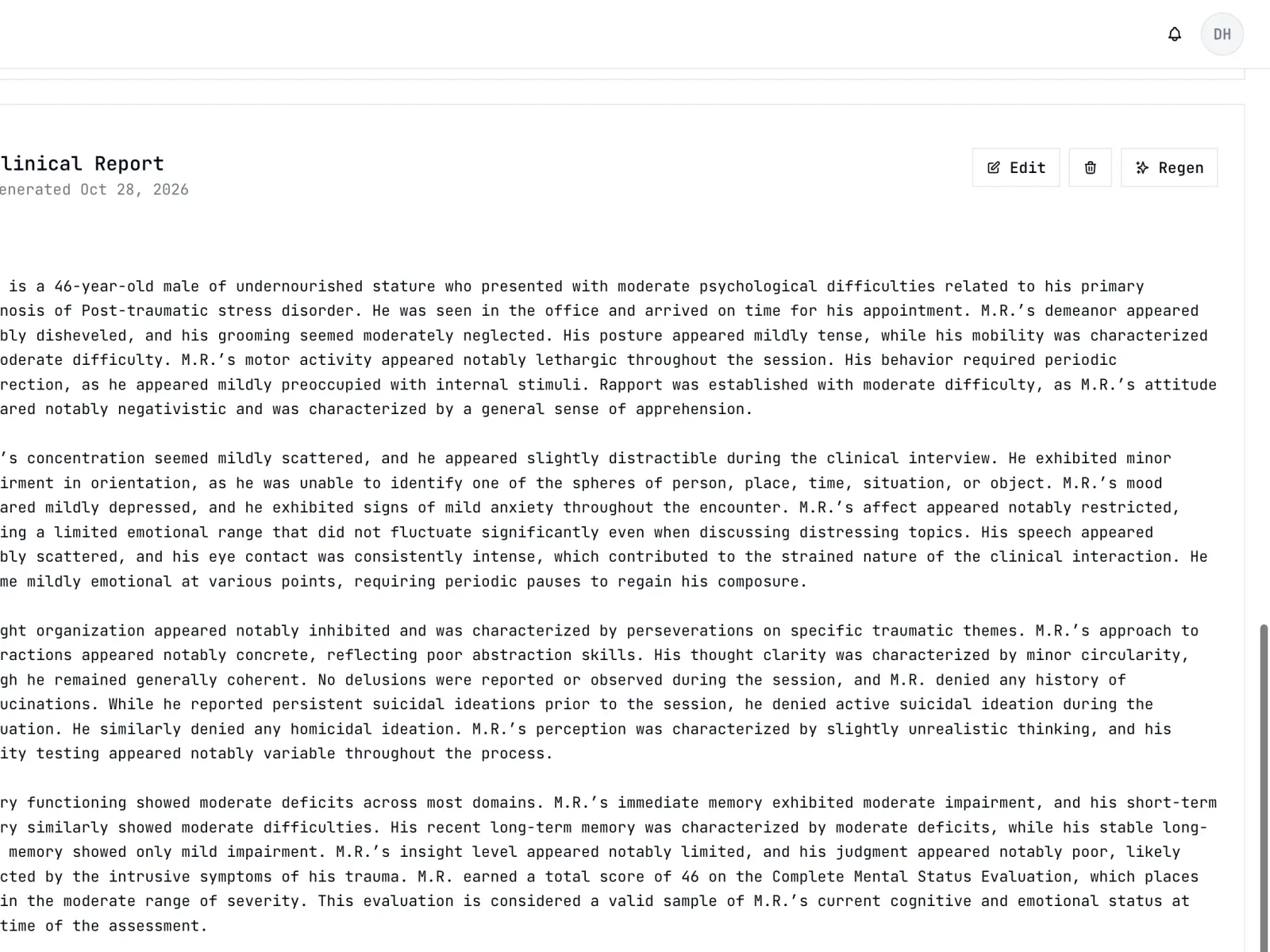
A clinical narrative in seconds
84
points scored automatically in every exam
28
questions in nine clinical categories
13
steps in the assessment wizard
5
languages in the clinician’s test aids
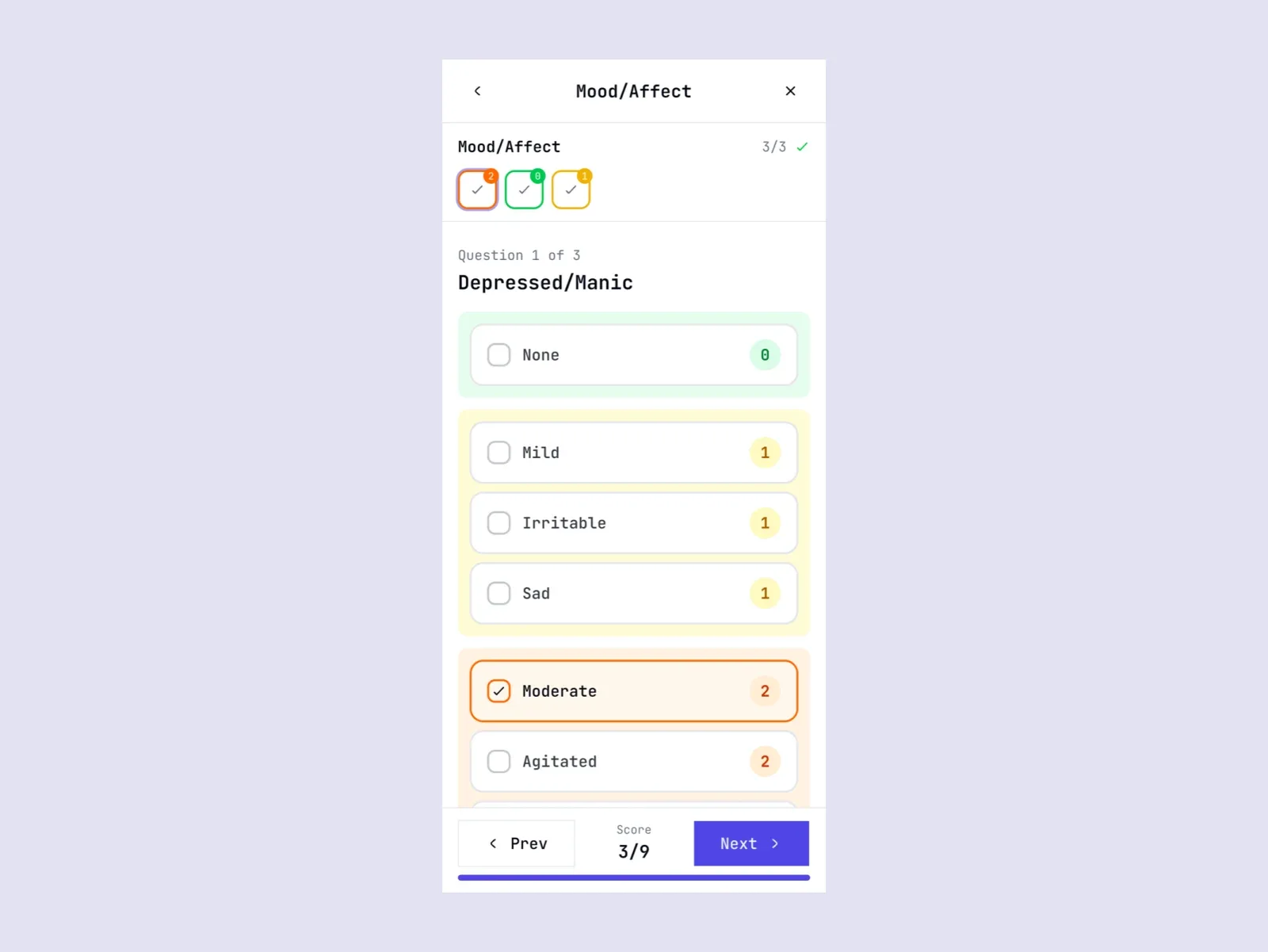
Made for a tablet in the room
On a phone or tablet the wizard switches to one question at a time, with large severity-coded answers, the running category score and quick jumps between questions — so the exam can happen face to face, not at a desk.
Running the clinic
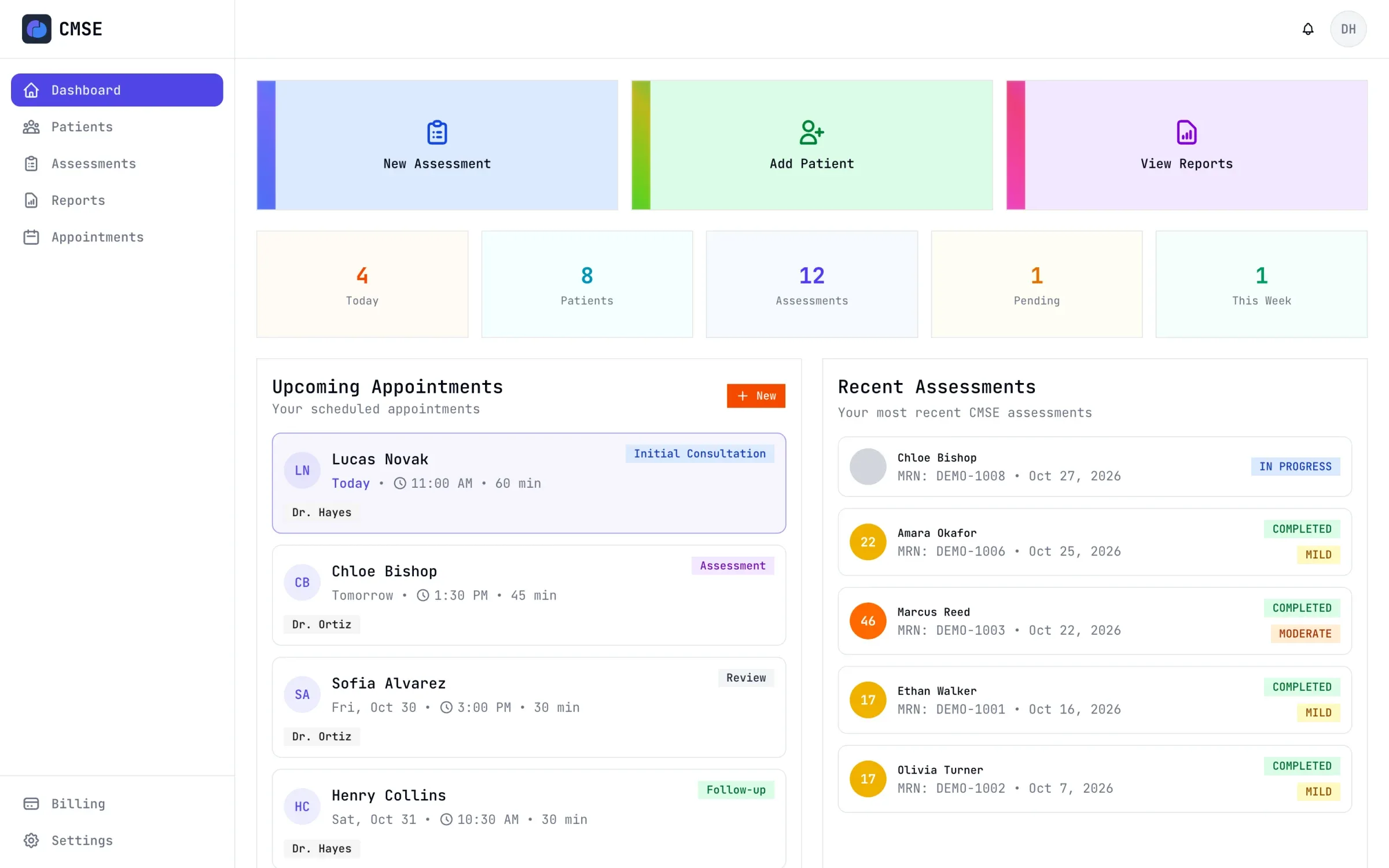
Everything around the exam lives in the same workspace, separated clinic by clinic.
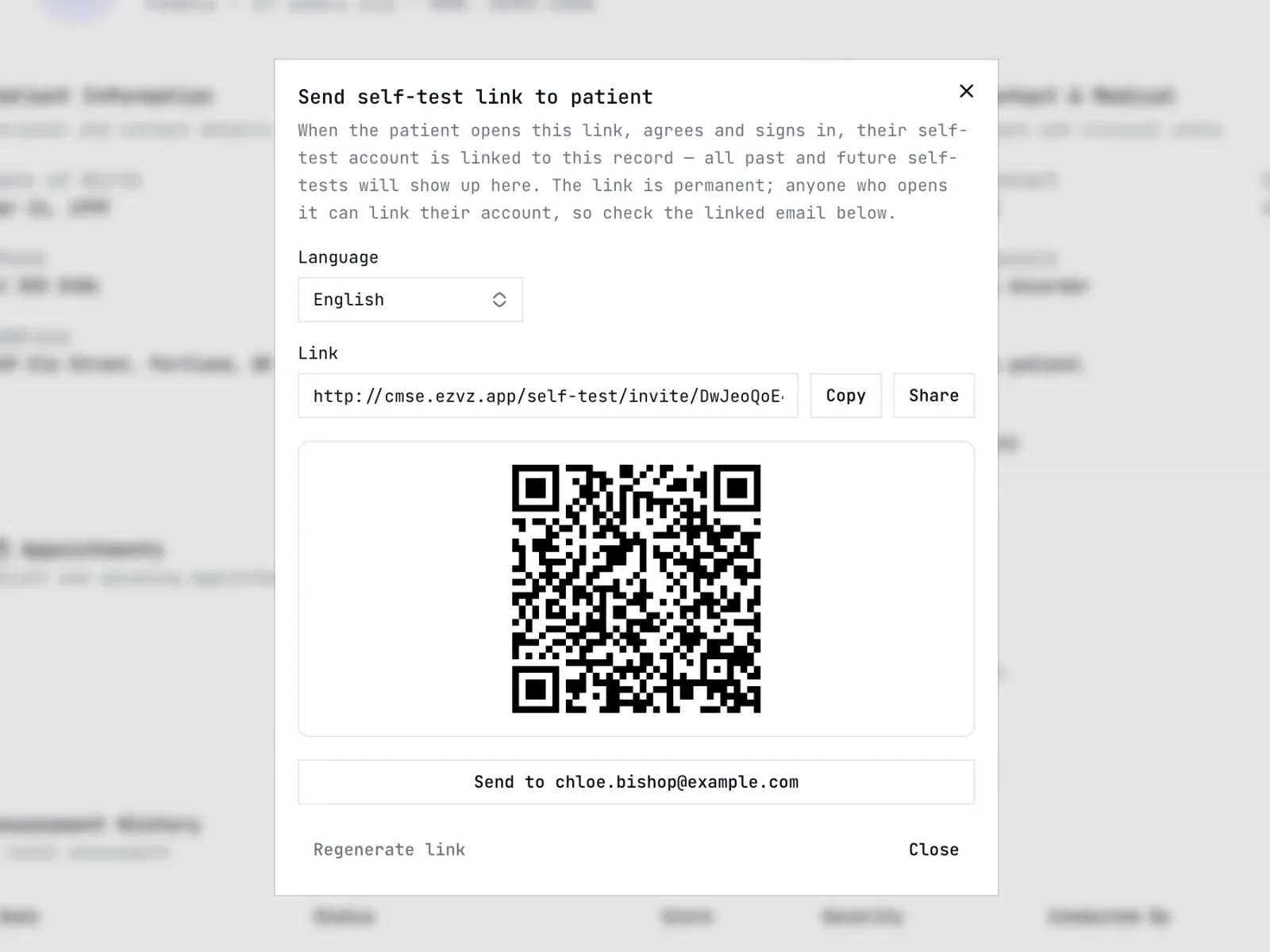
Patient records
Contact details, diagnosis, appointments and the full assessment history on one card. A reusable invite link — copied, shared, sent by email or shown as a QR code — connects the patient’s own self-checks to their record.
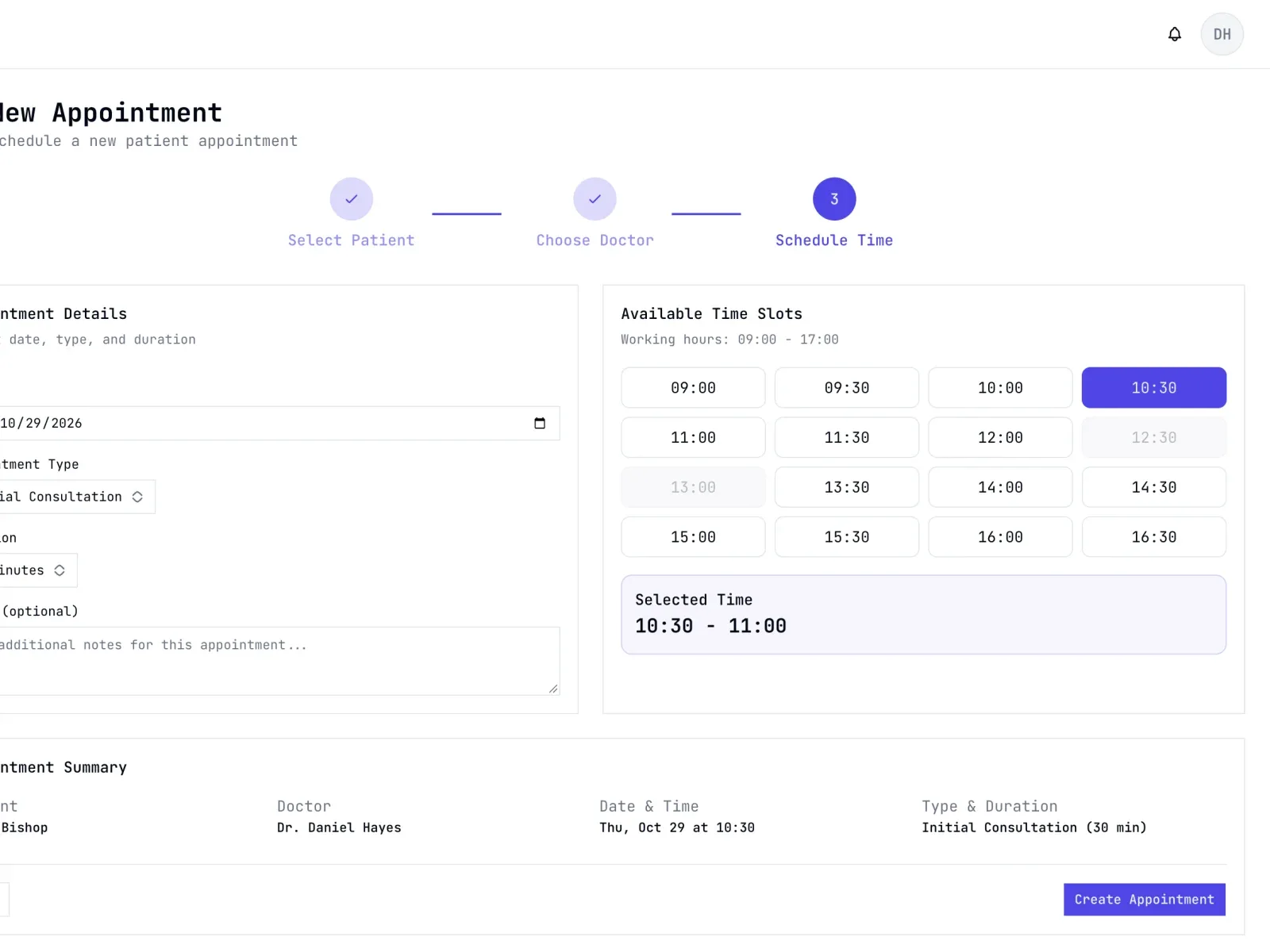
Scheduling
Each clinician sets working hours, breaks, time off, slot length and a daily limit. Booking offers only free slots, checks for conflicts and covers five appointment types.
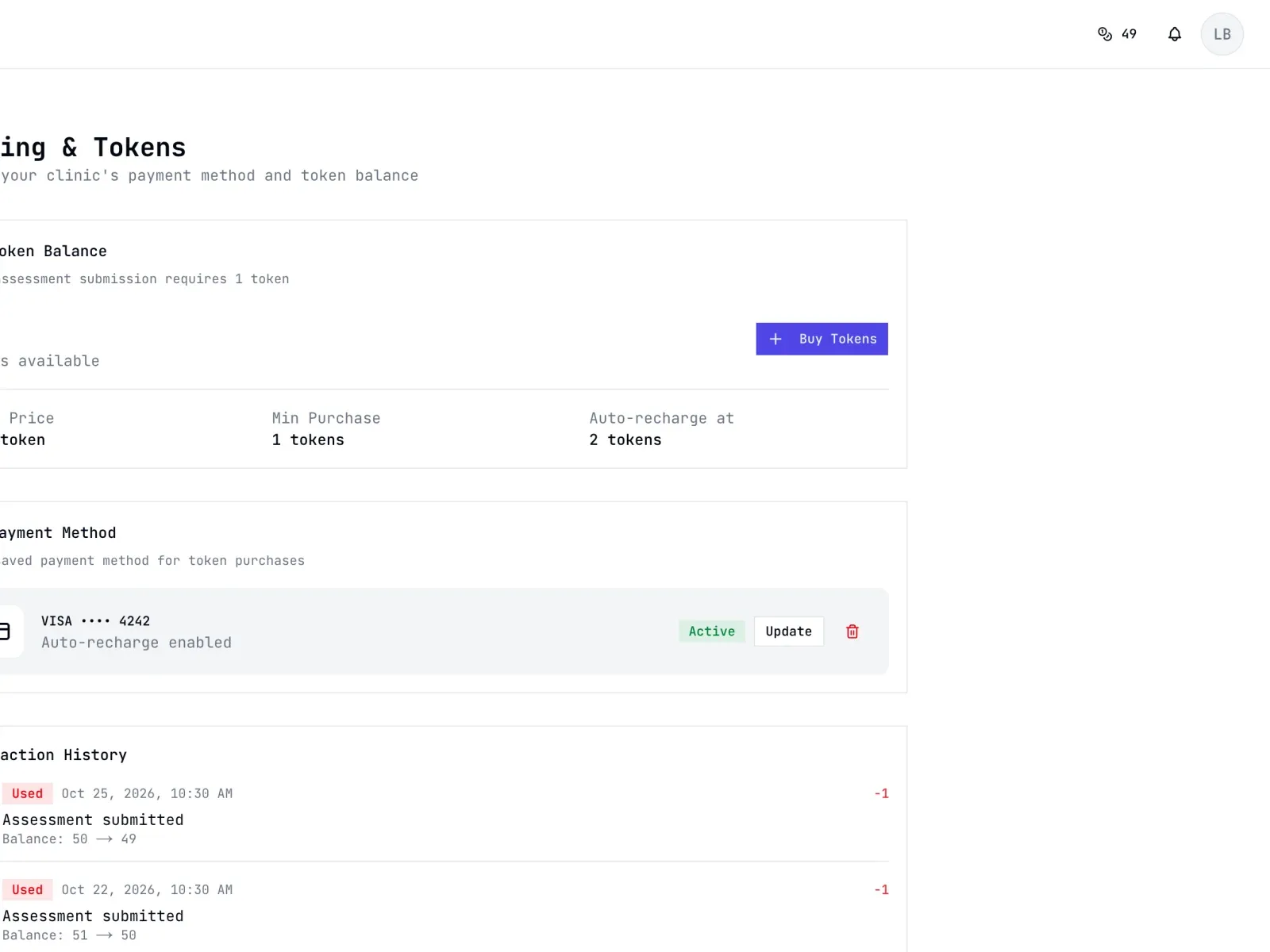
Prepaid billing
Clinics buy tokens through Square; each submitted exam uses one. A saved card tops the balance up automatically, and every purchase and spend is in the history.
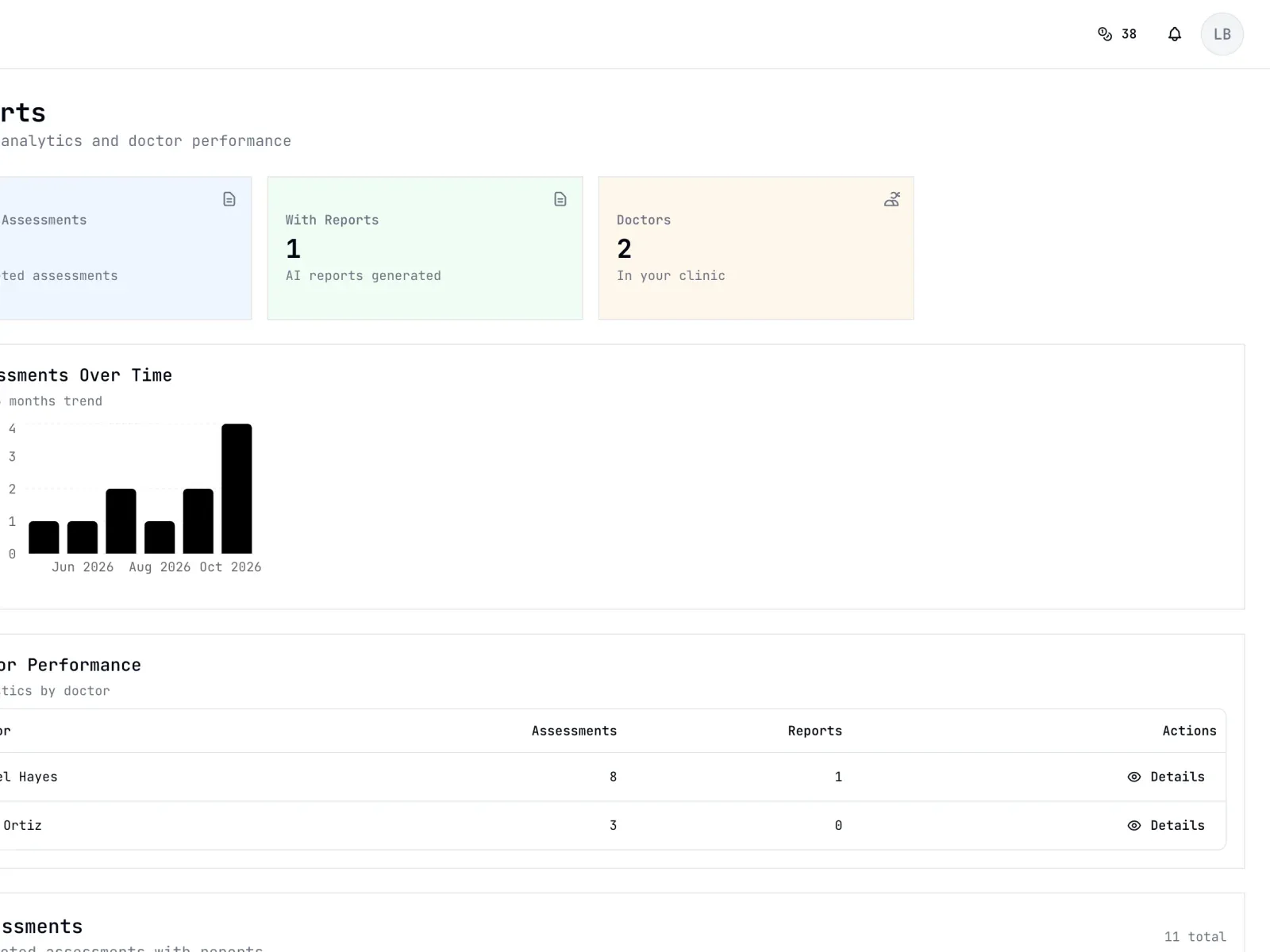
Reports
Exams per month, reports generated and a breakdown by clinician, filterable by clinic and doctor.
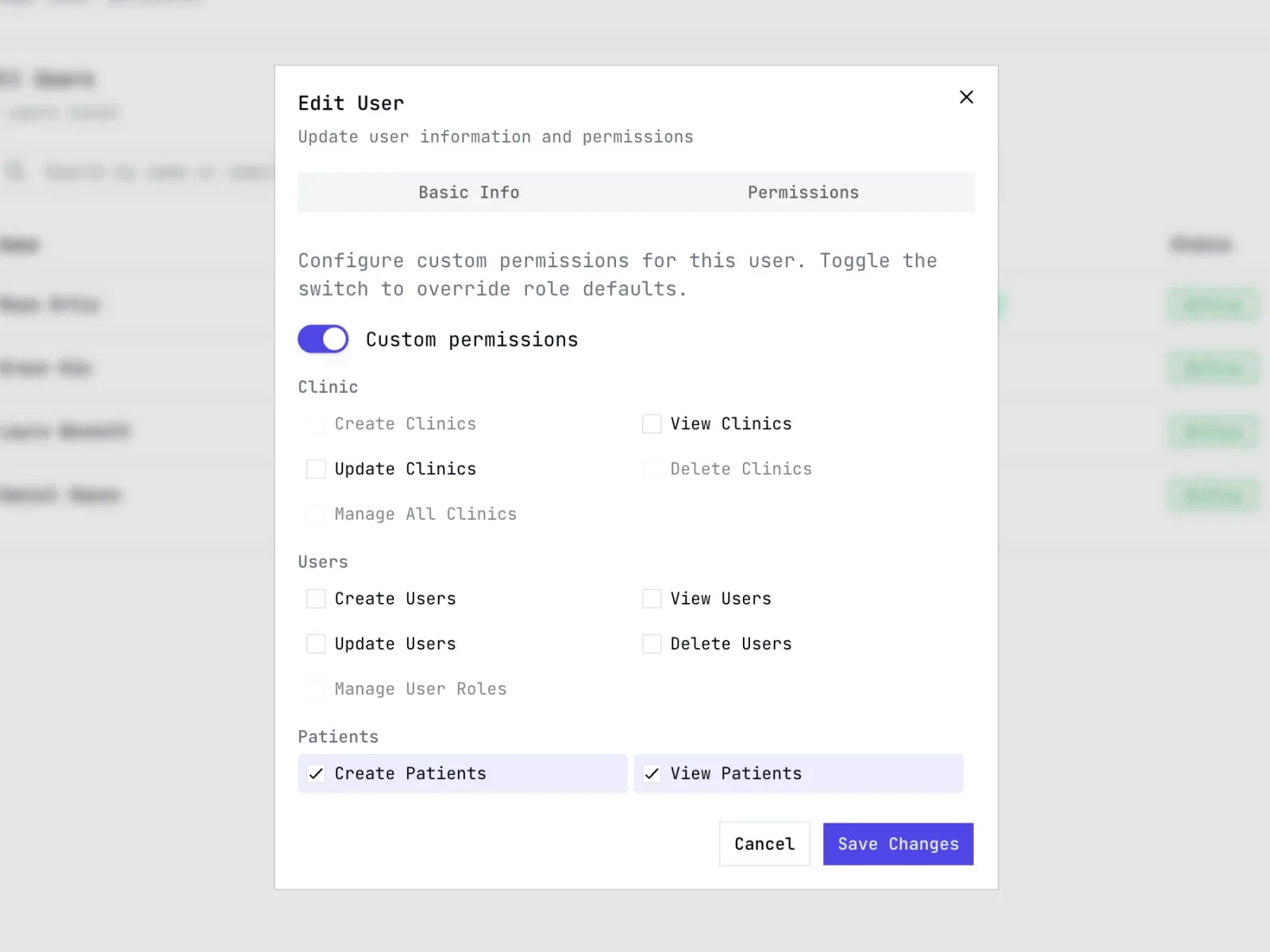
Roles and permissions
Eight roles, from super admin to patient. Any user’s permissions can be tuned individually on top of the role.
A self-check anyone can take
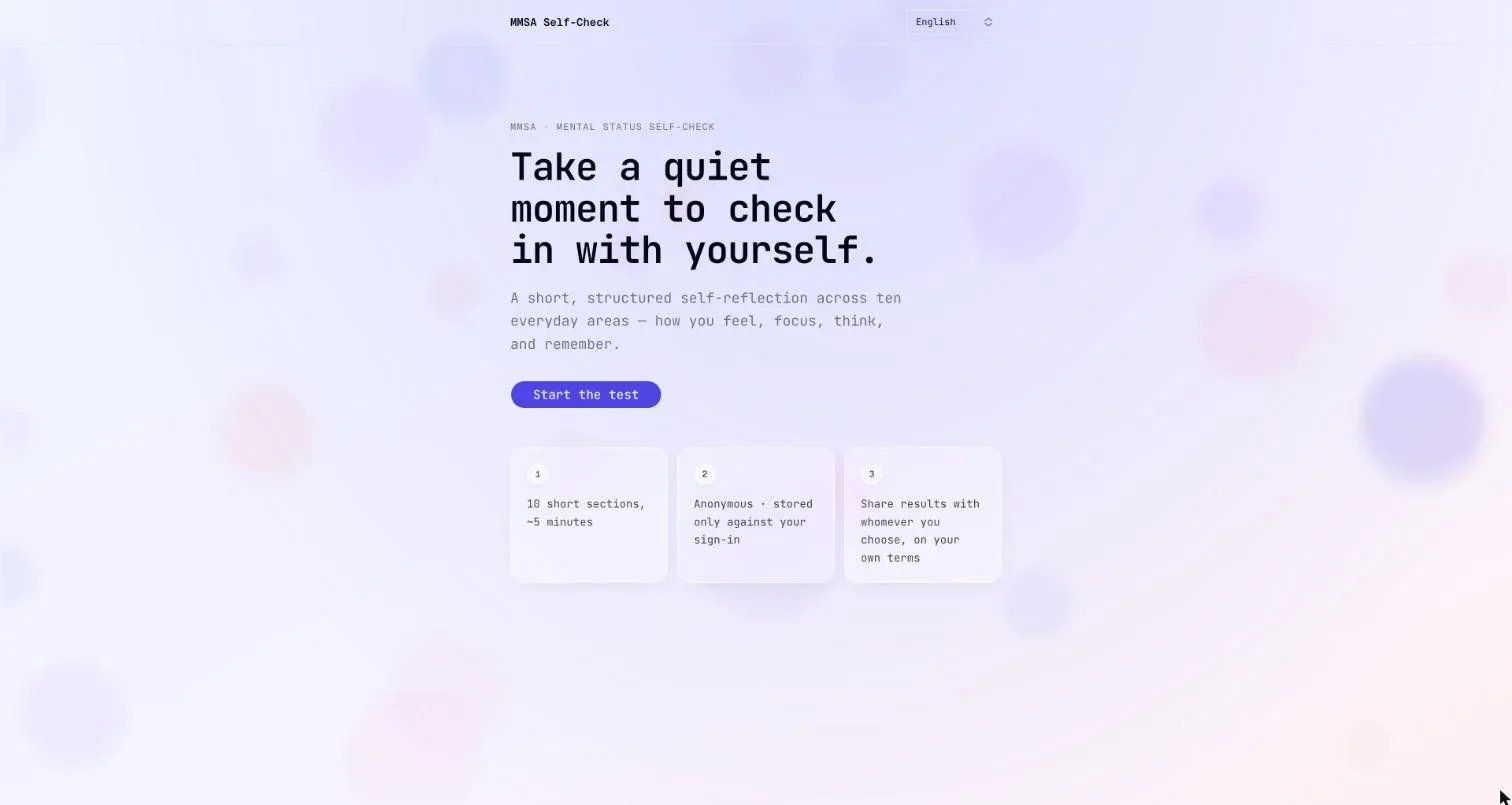
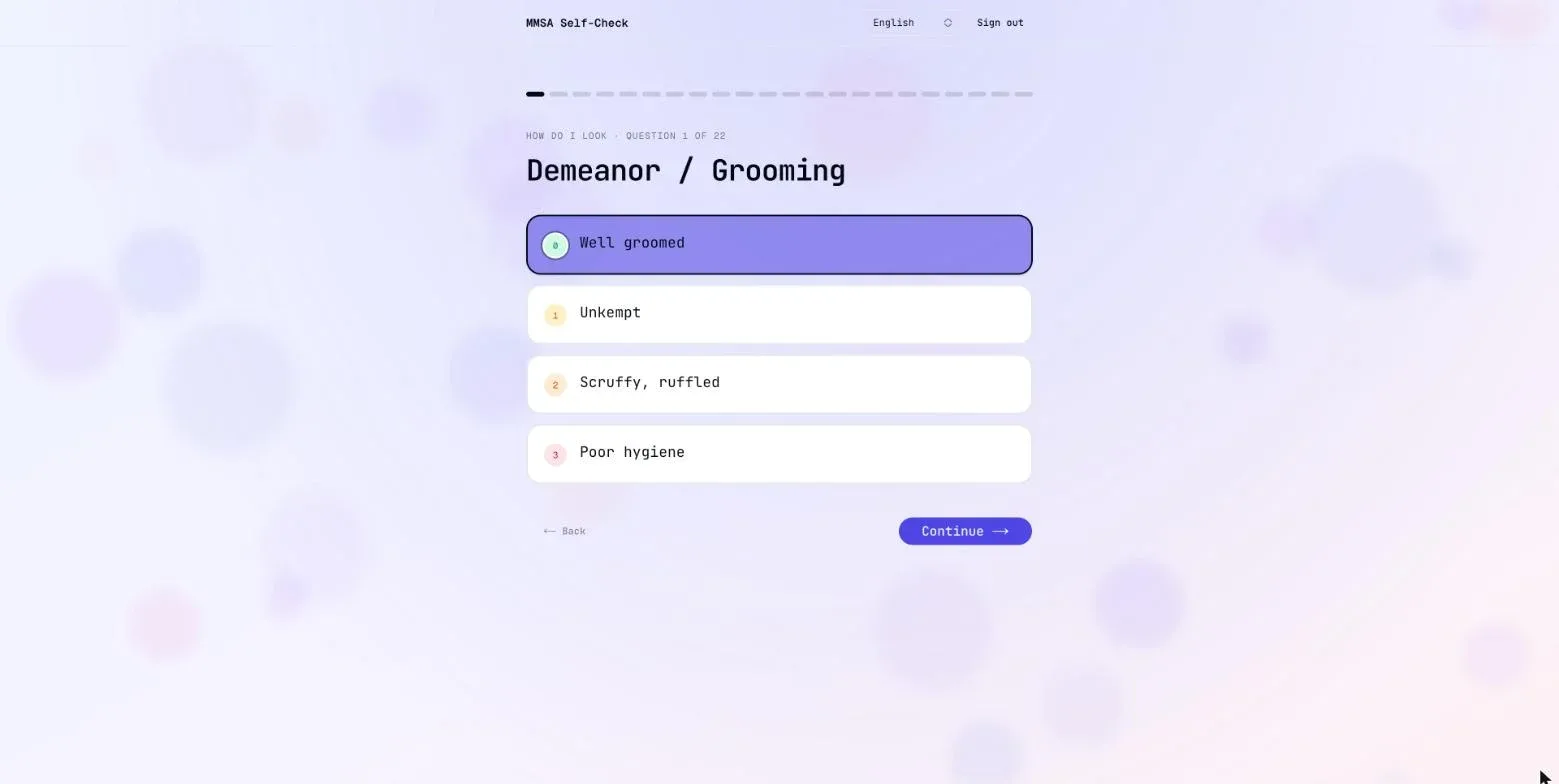
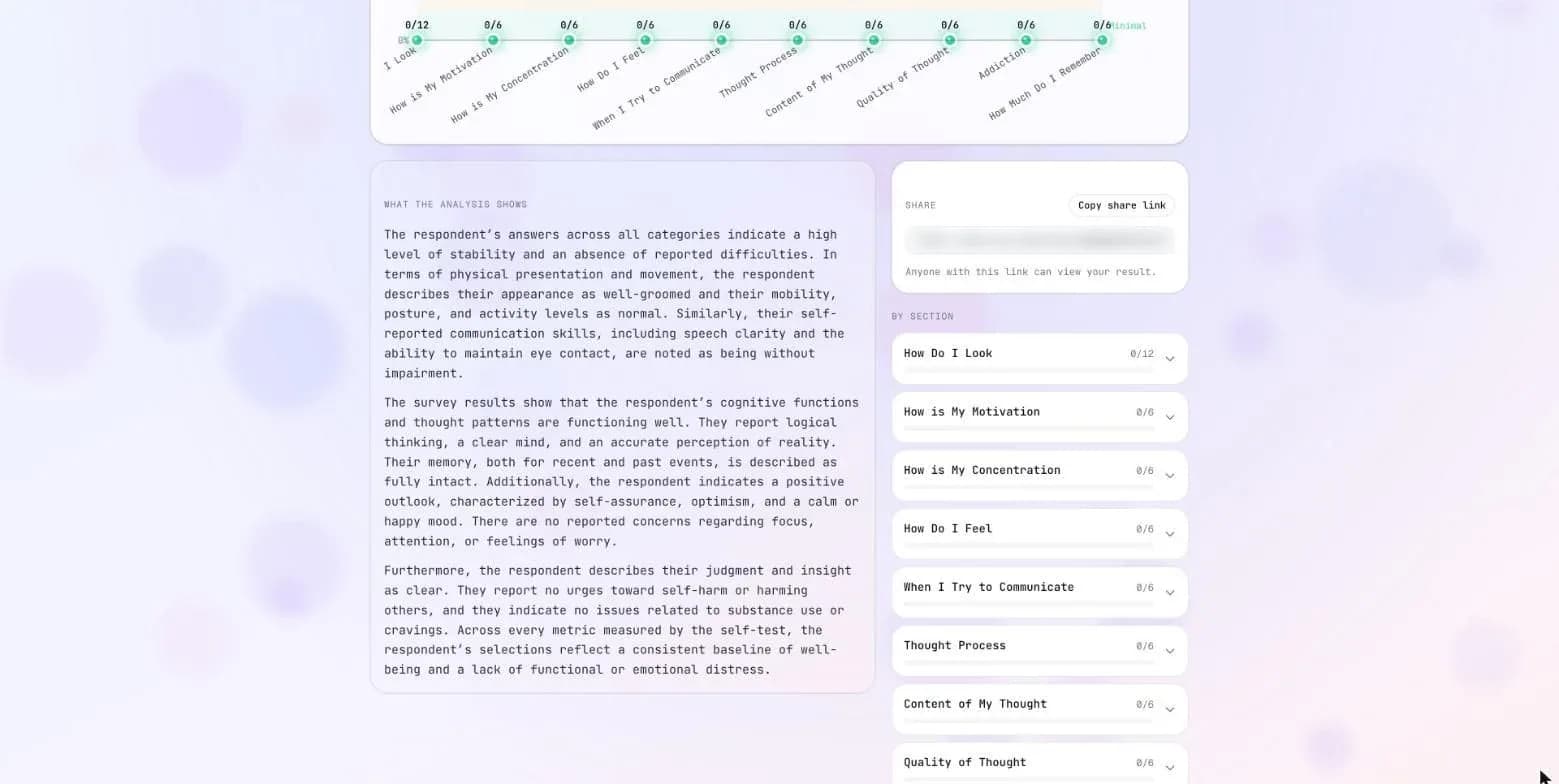
The MMSA Self-Check turns the instrument into a short private reflection: ten everyday areas, about five minutes, in English, Spanish or Russian. People sign in with Google or a one-time email link, and their results stay in their own account.
Shared on the person’s terms
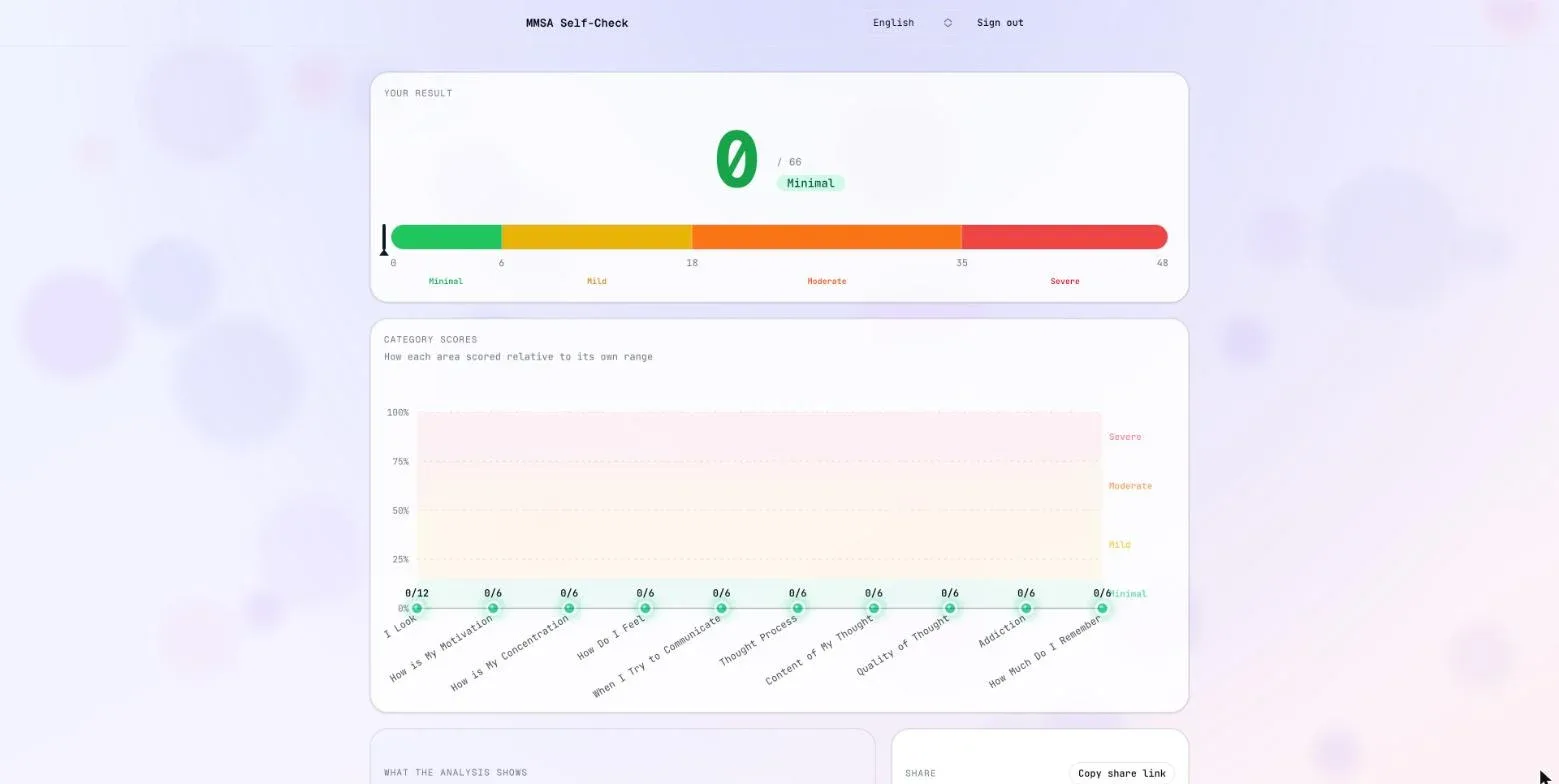
After the last answer, AI writes a short plain-language analysis. The person decides who sees it: a private link opens one result for anyone they send it to, and accepting a clinic’s invite lets their clinicians follow every self-check, past and future.
What we built
Assessment wizard
Thirteen steps, severity-grouped answers, contradiction rules, autosave and resume, a phone mode.
Clinical test aids
Concentration, insight, judgement and abstraction tests in five languages.
Scoring and AI reports
Automatic 84-point scoring and editable AI narratives, exported to PDF or DOCX.
Editable question bank
Questions, answers, scores and contradiction rules are managed from the admin panel.
Patients and scheduling
Patient records, clinician availability and conflict-free booking.
Multi-clinic billing
Prepaid tokens via Square with auto-recharge and per-clinic pricing.
Roles and permissions
Eight roles plus per-user permission overrides.
Self-check and linking
A three-language self-test with AI analysis, private share links and clinic invites.