Maestra× WhyNotGlobal
Maestra Reach Feeds — designed ads for every product
A SaaS that turns a store’s product feed into designed catalog ads: it pulls the catalog from Shopify or any feed, renders every product through Figma templates and keeps feeds for Meta, Google, TikTok, Pinterest and email up to date on their own. We designed and built it end to end.
- Client
- Maestra
- Year
- 2025
- Product
- Catalog creative automation (SaaS)
- Timeline
- 2023–25, ongoing
- Stack
- Fastify, React, Sharp, Canvas, Redis, Bull, Figma API
- Our role
- Product, design and engineering — end to end
- Live
- eazyf.com
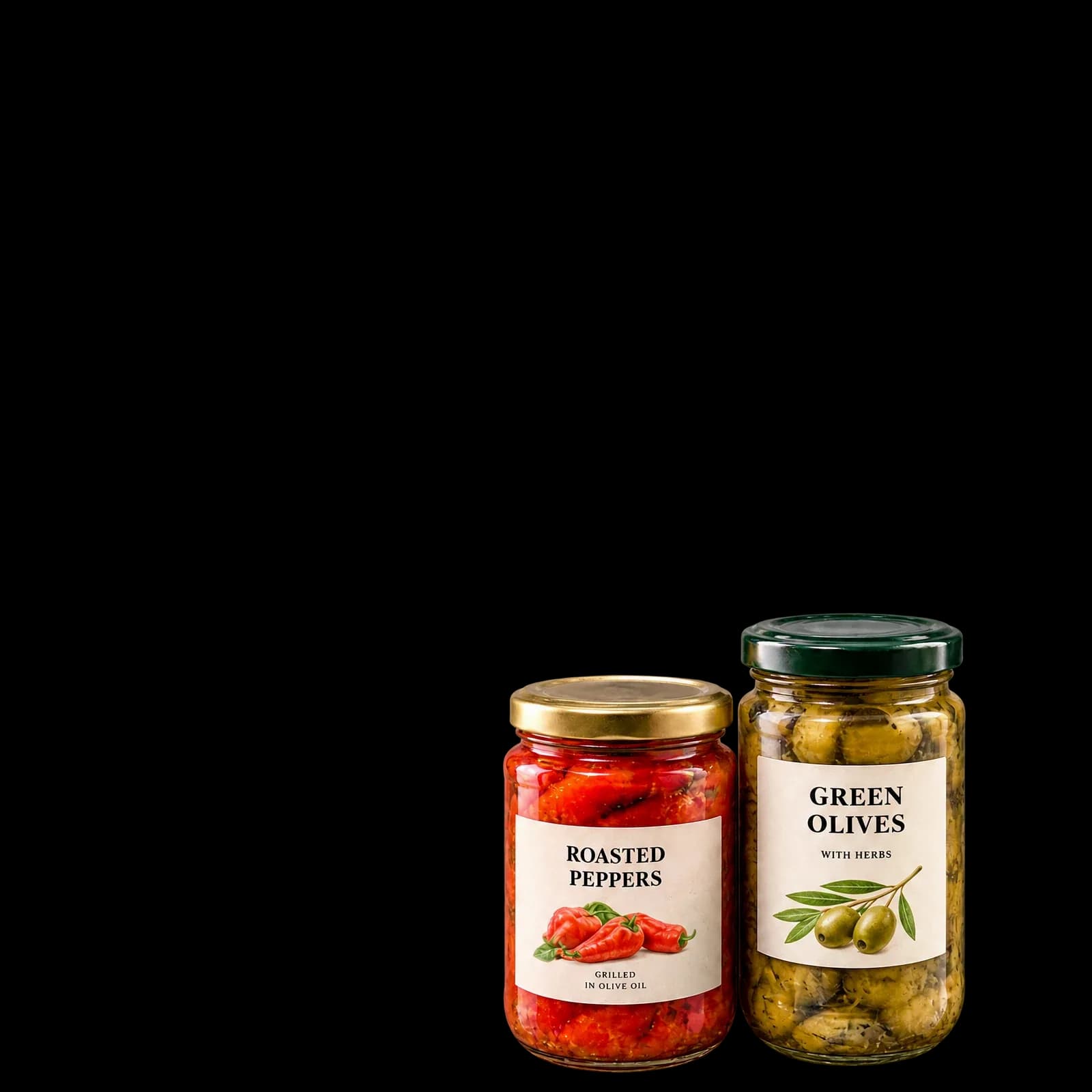
Catalog ads run on bare packshots.
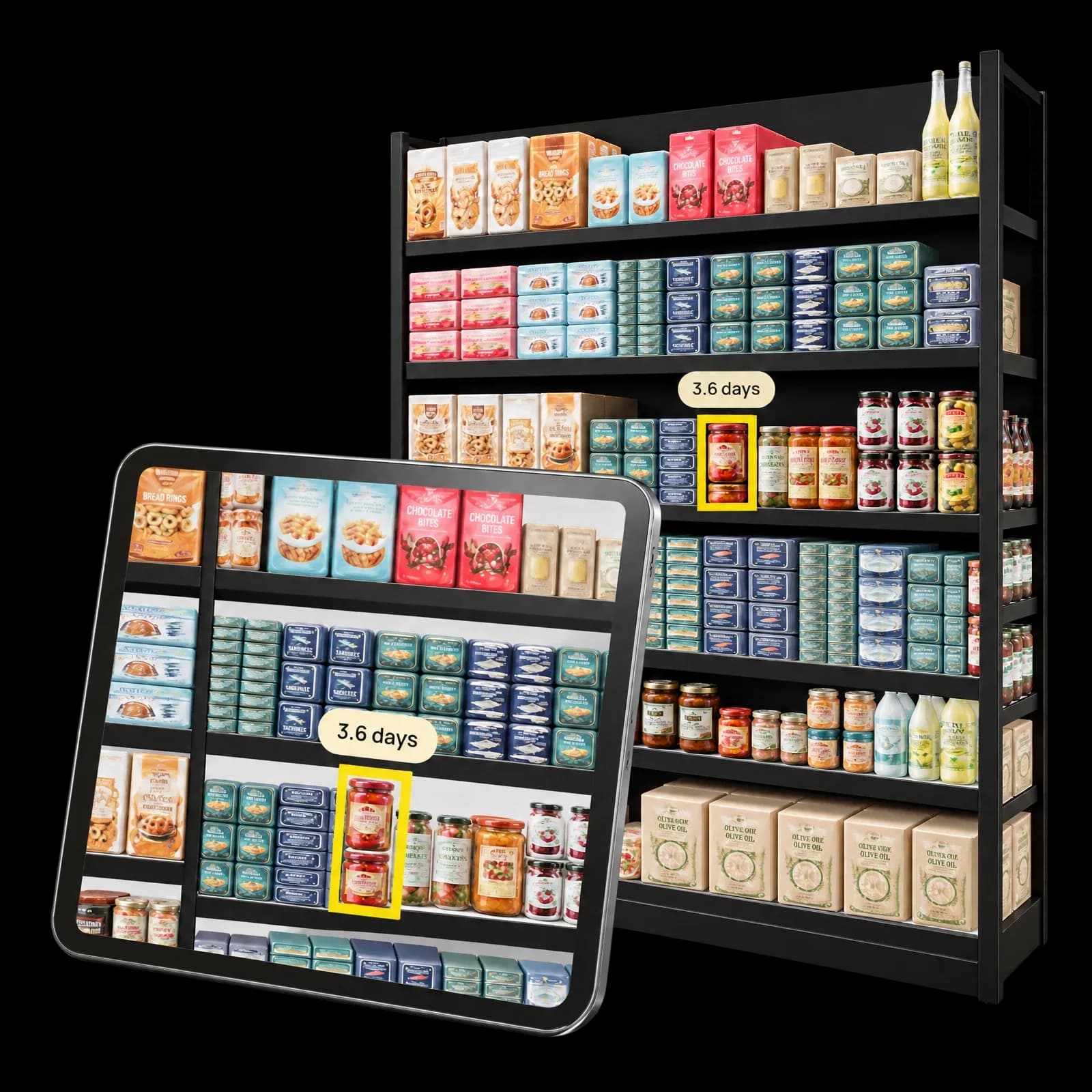
Everything else a brand runs gets designed, but dynamic product ads show the plain studio photo from the store. Designing each product by hand doesn’t scale: a catalog of hundreds of items needs thousands of images, and every price change makes them stale.
Design once in Figma, render every product.
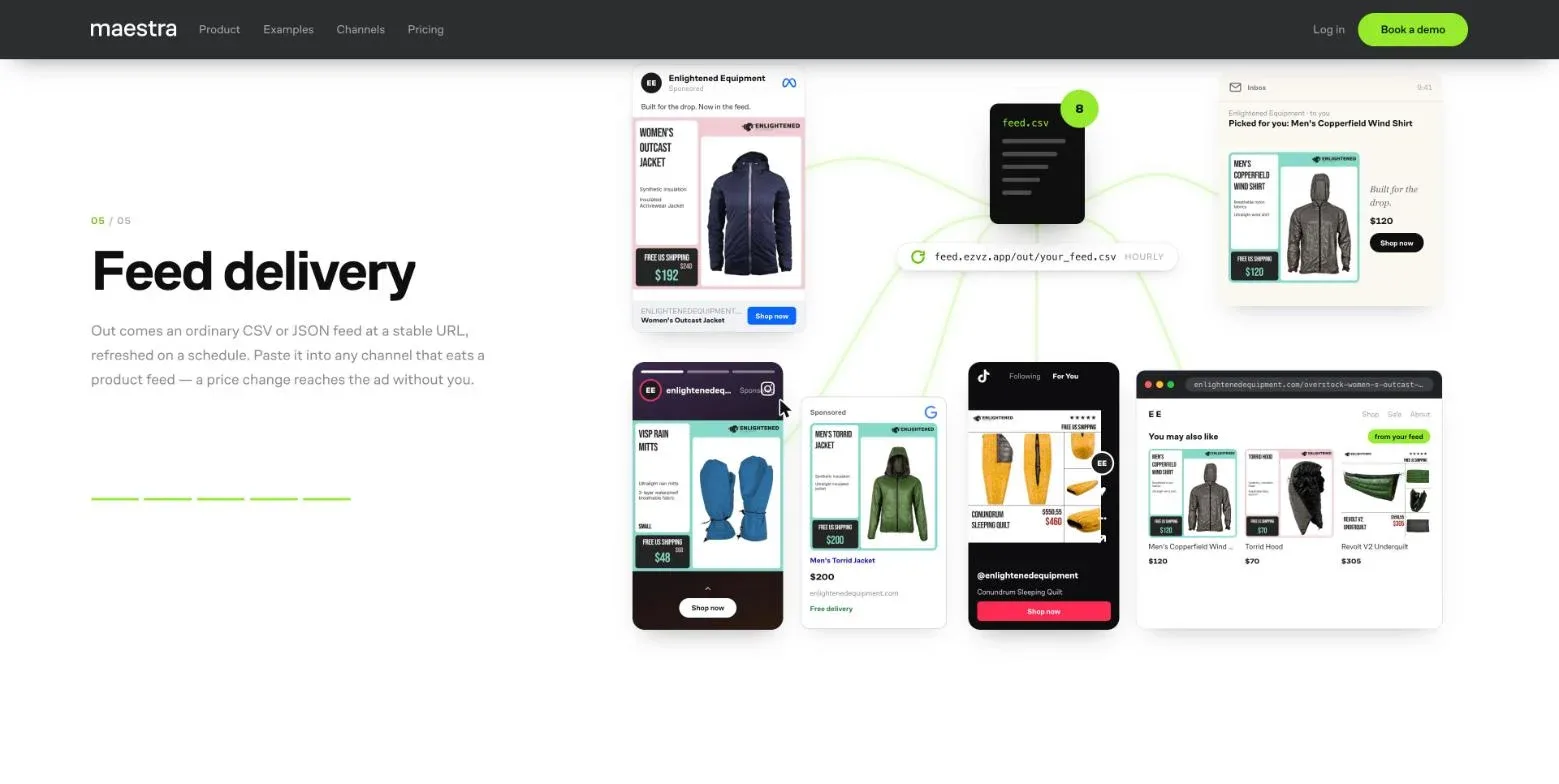
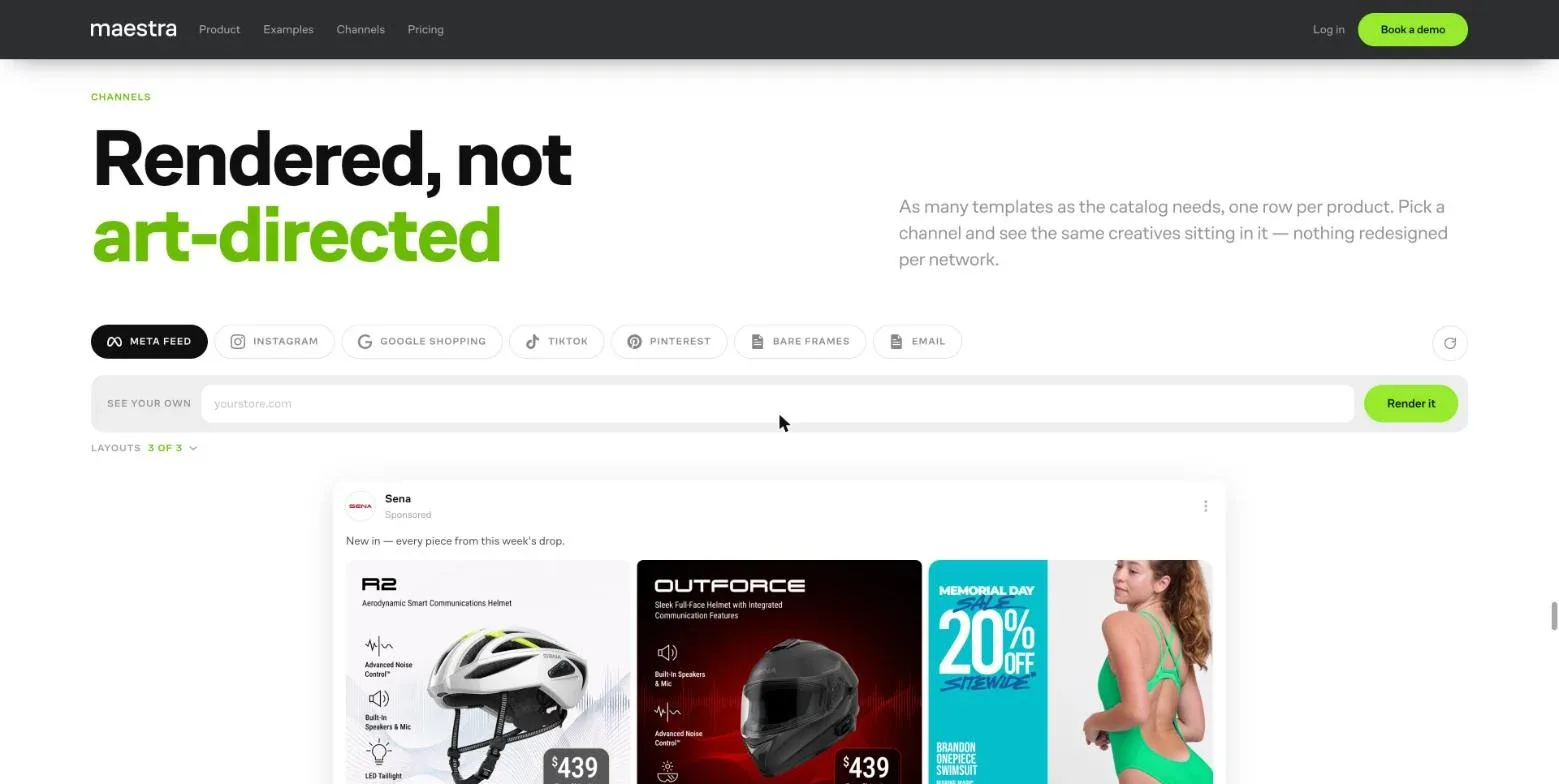
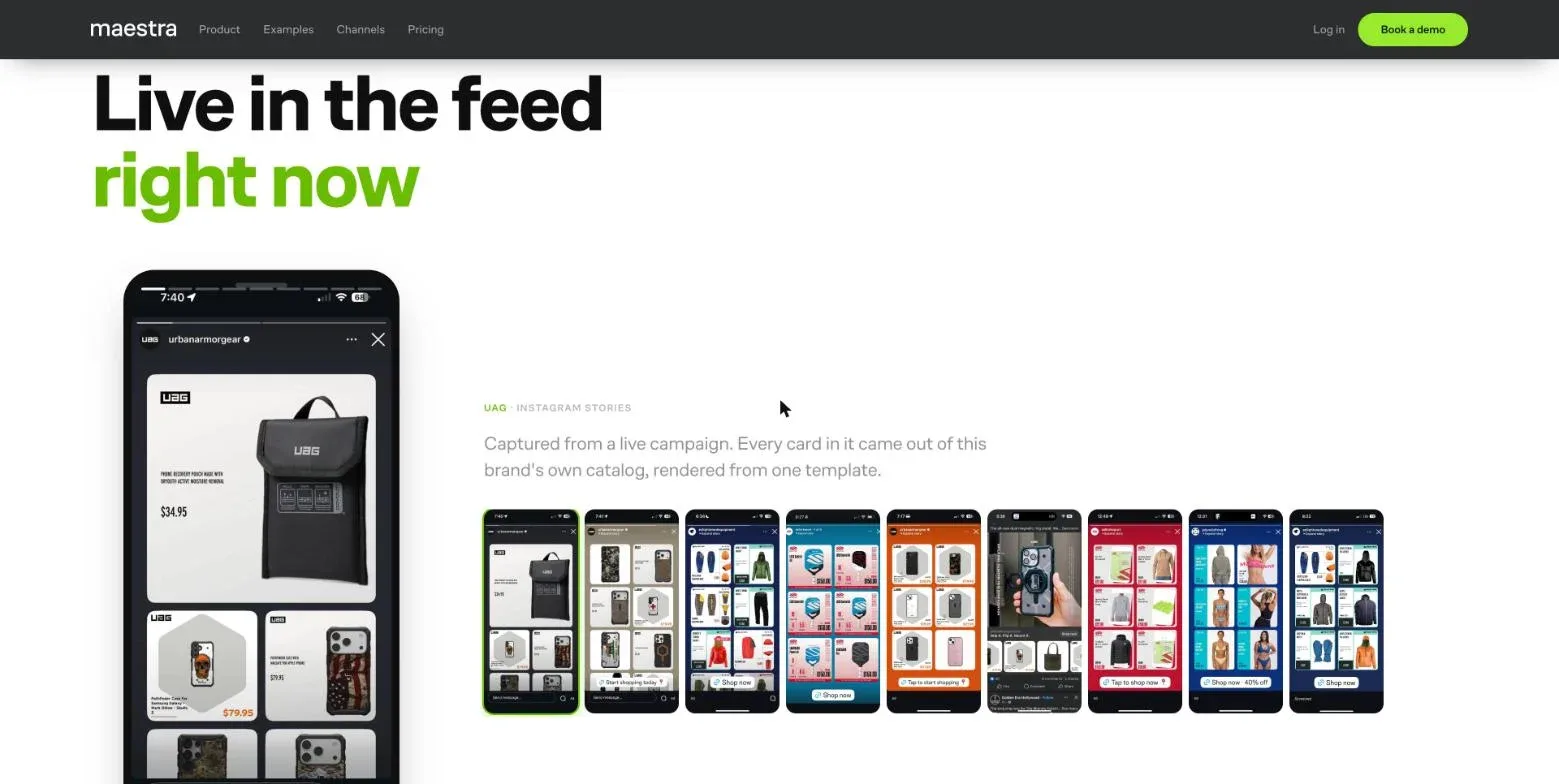
The platform reads the store’s catalog as a feed, renders each row through a Figma template and publishes a new feed at a stable URL. Channels pick it up like any product feed, so a new price or photo reaches the ad without anyone touching it.
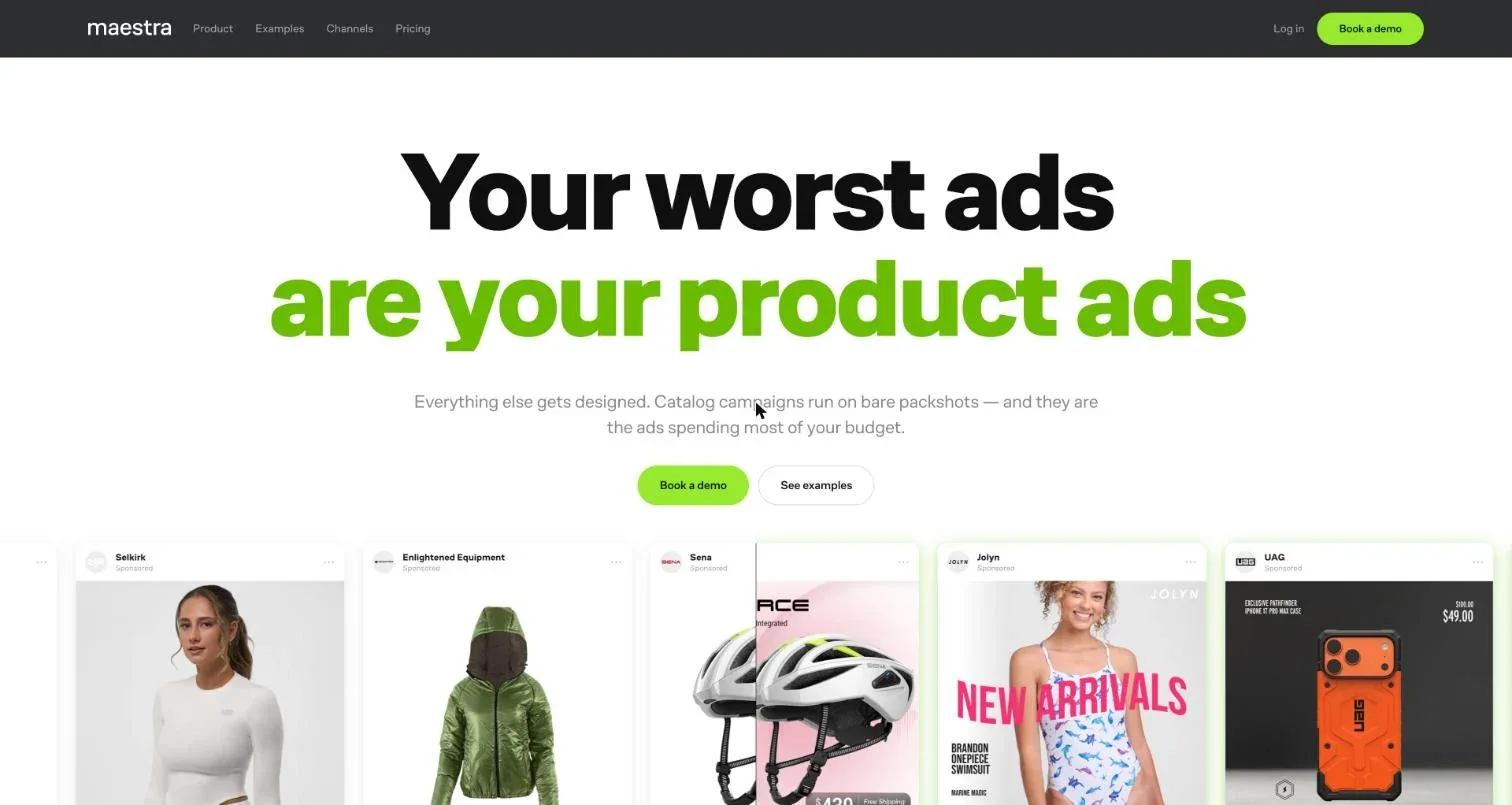
Any catalog in
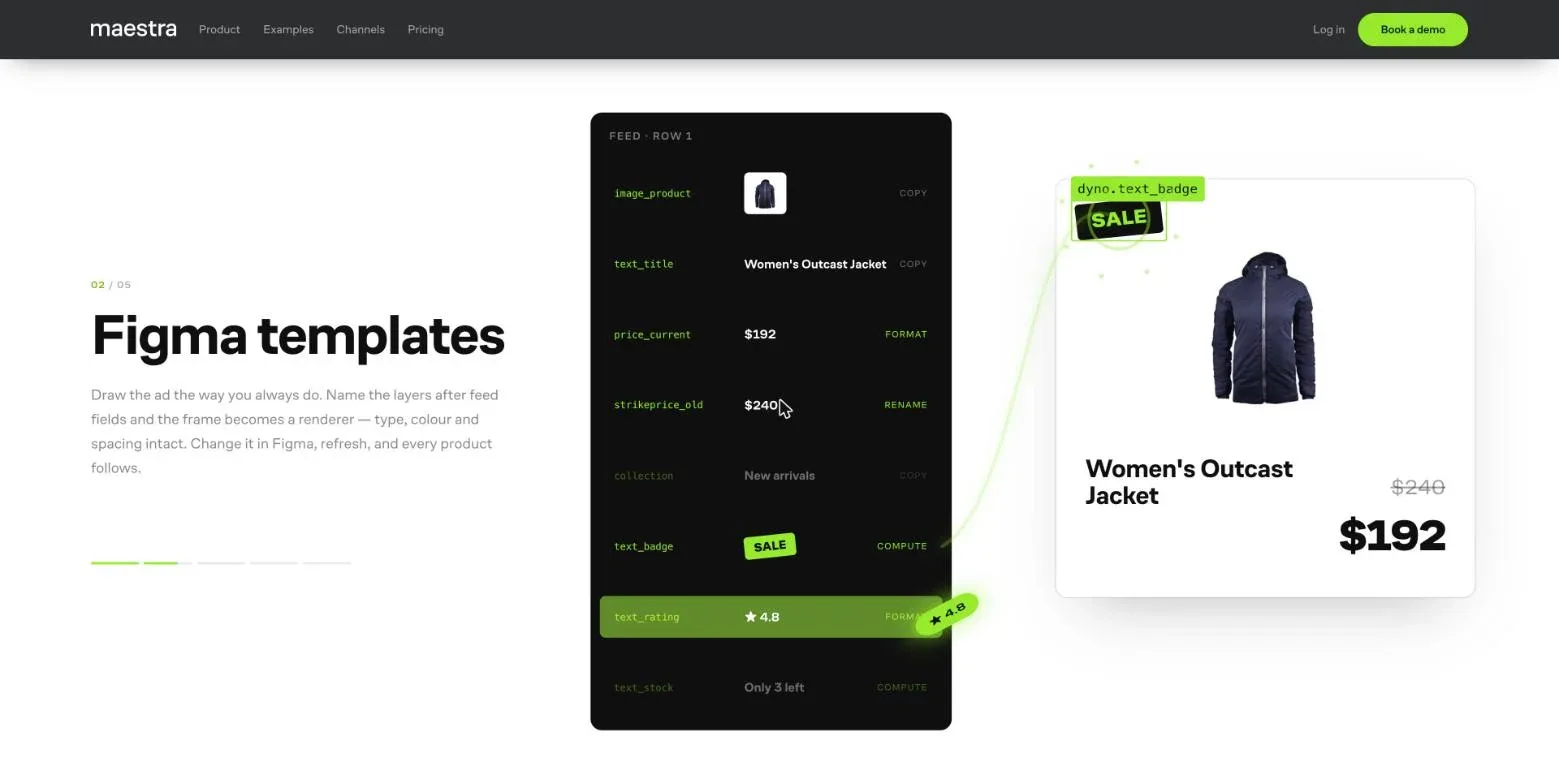
Shopify, BigCommerce, WooCommerce or any CSV, XML or JSON feed comes in as rows: products, variants, collections and custom fields. Fields can be renamed, computed or filtered on the way in — a sale badge from the compare-at price, stock warnings, ratings — so templates read exactly the values they need.
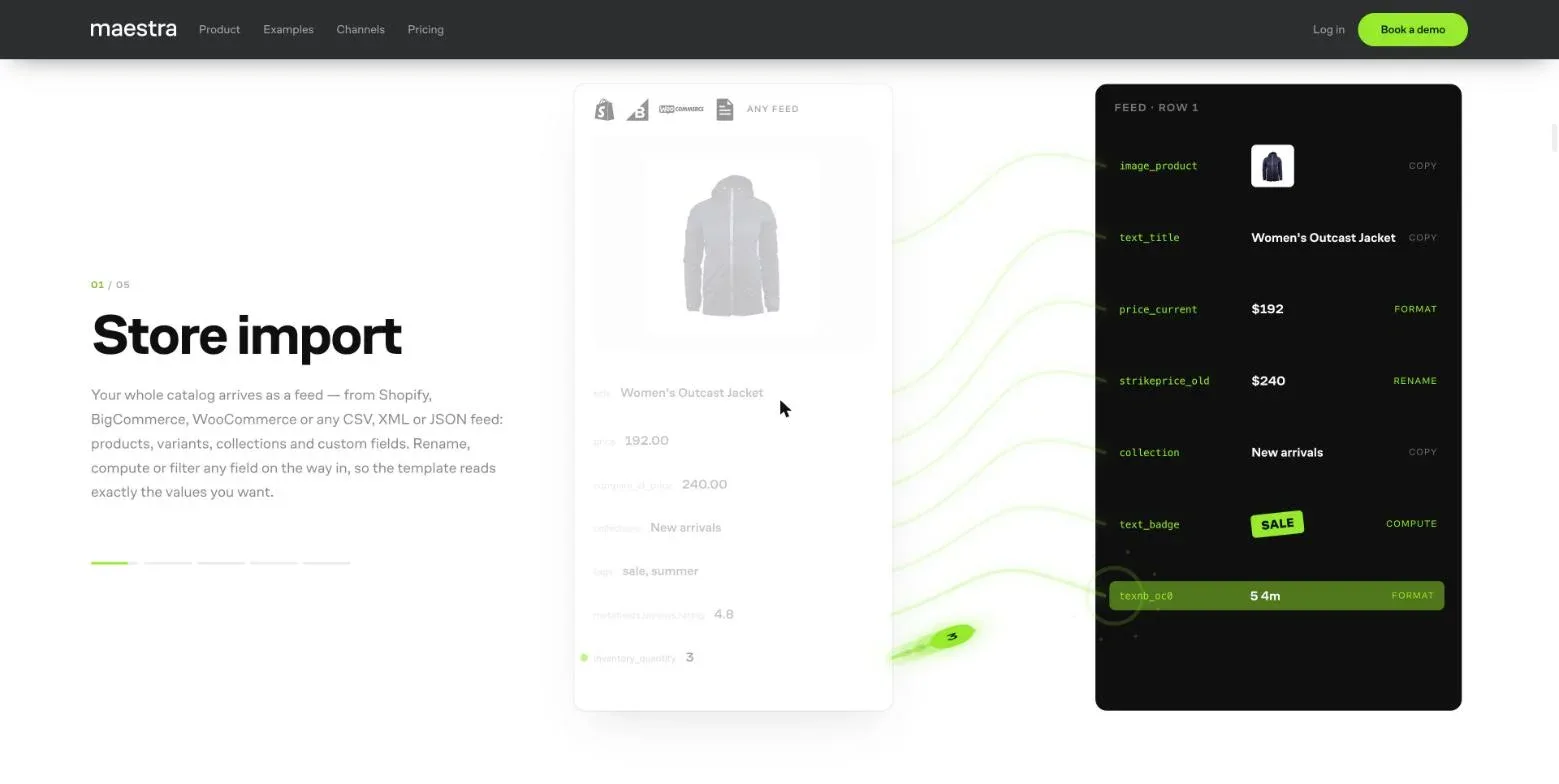
Figma is the template editor
Designers draw the ad the way they always do and name layers after feed fields. The frame becomes a renderer that keeps type, colour and spacing intact. Change the design in Figma, refresh, and every product follows.
1 row
of the feed becomes one finished ad
7
channels from one feed
3
formats: 1:1, 4:5 and 9:16
Hourly
feed refresh, so prices never go stale
Inside the app
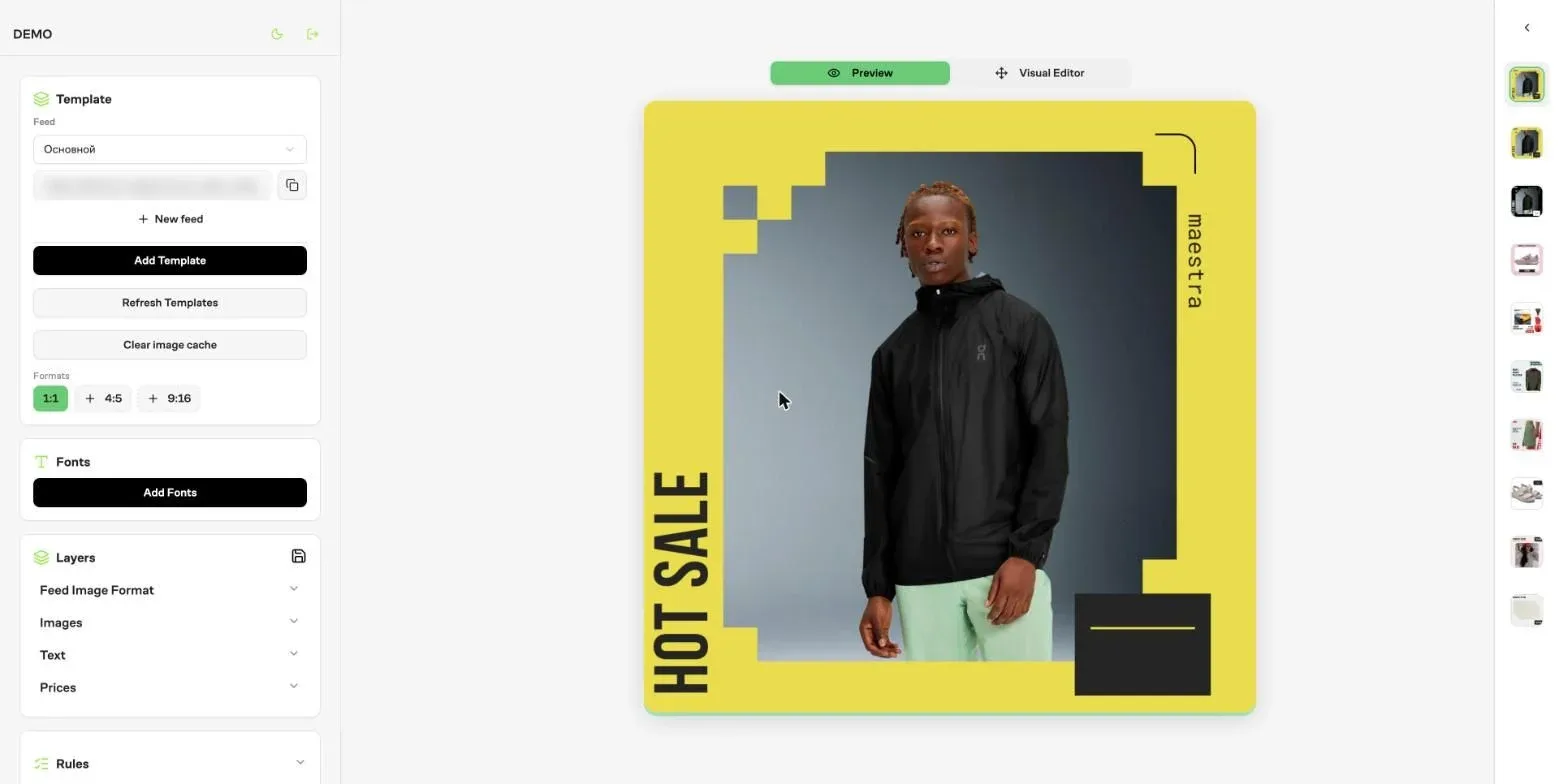
A visual editor for the last mile
Templates come from Figma, but the app lets the team fine-tune them without a round trip: move and resize layers on a grid, change fonts, case, leading and colour, add 4:5 and 9:16 formats, and preview any product from the feed before it goes out.
What we built
Store and feed import
Shopify, BigCommerce, WooCommerce and any CSV, XML or JSON feed.
Figma-to-renderer
Layers named after feed fields turn a Figma frame into a template.
Rendering pipeline
Sharp and Canvas on a Redis/Bull worker pool render the whole catalog in parallel.
Smart imaging
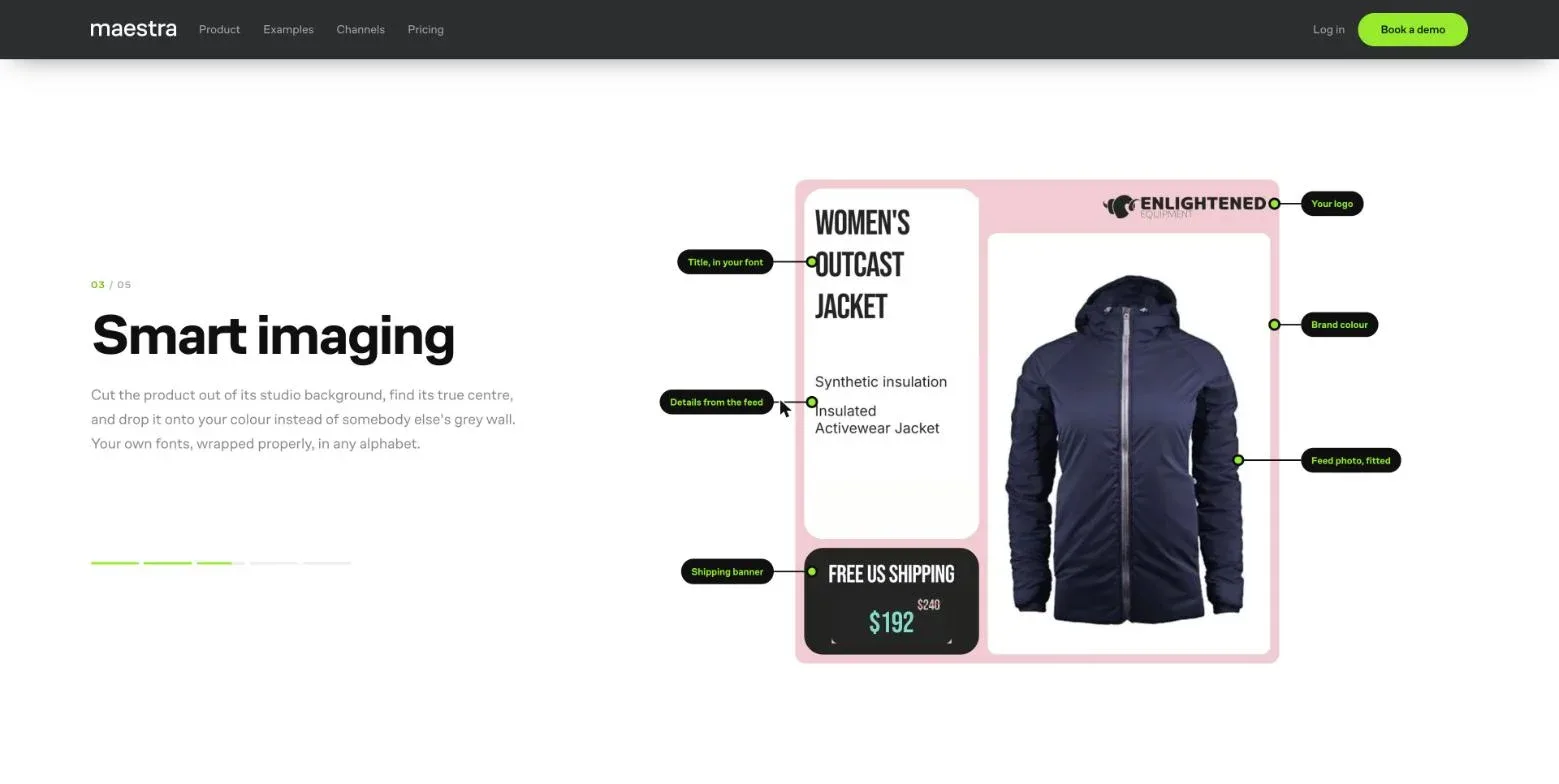
Background removal, true-centre placement, brand fonts in any alphabet.
Rules engine
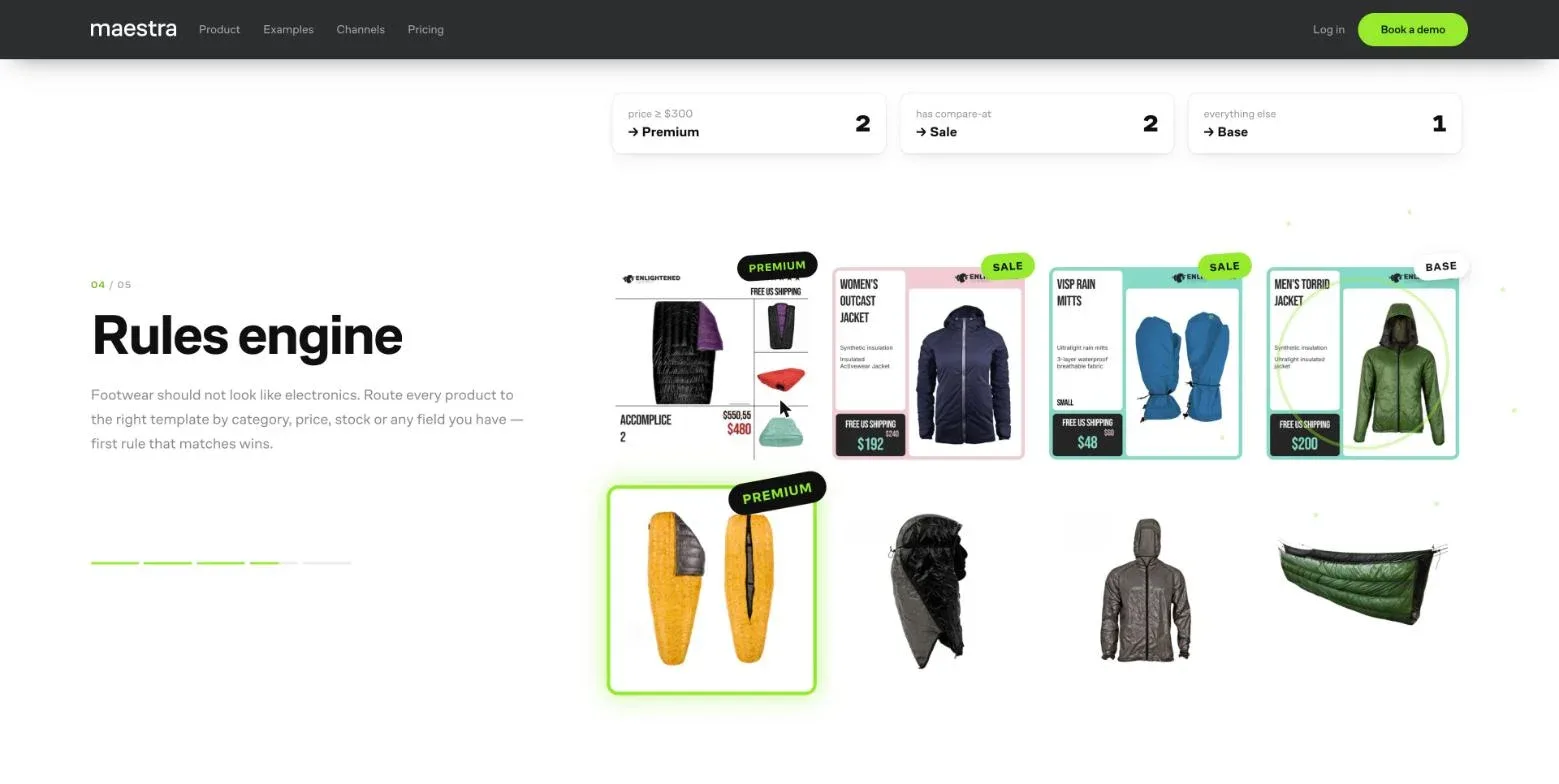
Route products to templates by category, price, stock or any field.
Feed delivery
CSV and JSON feeds at stable URLs, plus image-by-variant links.